We Switched From Claude Code to Codex: The Project Files That Preserved Context
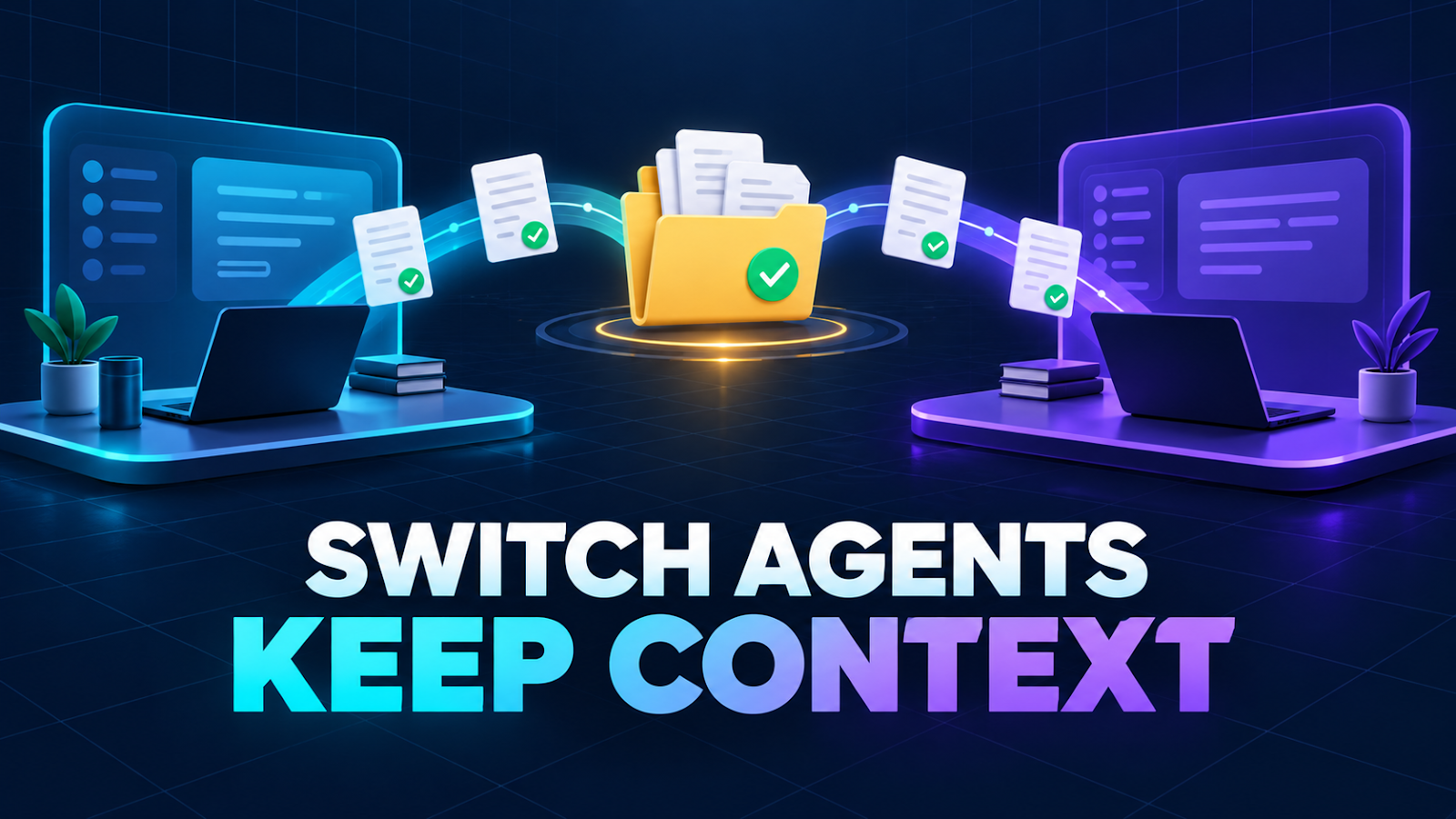
We built our local company system with Claude, then opened the same workspace in Codex. Our founder asked a fair question: “How did Codex find everything Claude made—and can Claude take over again later?”
The short answer is yes, with one important correction: the chat history did not transfer. The project state did.
Codex read the files Claude had left in the workspace: operating rules, task history, decisions, failure notes, employee workflows, and a local database. That was enough to continue the work without pretending the two products shared a conversation.
Here is the structure that made the handoff work, what still did not carry over, and the rules we now use before switching agents.
What survived the switch
The durable part of our setup lives outside any single chat.
| Shared source | Purpose |
|---|---|
AGENTS.md | Tells Codex which company instructions to follow |
CLAUDE.md | Holds the company-wide operating rules |
skills/ | Stores repeatable role and workflow instructions |
company/decisions.md | Records decisions made by the human founder |
company/failures.md | Blocks failed methods from being repeated |
company/tasks/ | Holds briefs, meeting notes, drafts, reviews, and reports |
| SQLite plus JSON exports | Tracks tasks, messages, approvals, and usage |
This matches how the tools are designed. OpenAI documents that Codex CLI discovers AGENTS.md files from the repository path and injects their instructions into the conversation (OpenAI documentation, checked September 27, 2026). Anthropic describes project CLAUDE.md as instructions Claude Code loads every session, and says Claude Code can also read an existing AGENTS.md on its own or alongside CLAUDE.md (Claude Code documentation, checked September 27, 2026).
Neither document says the products share private chat history. They do not need to. A shared, inspectable project record provides the bridge.
What did not transfer
Several things stayed inside the original tool or session:
- the previous chat transcript
- reasoning or decisions that were never written down
- account login and subscription state
- temporary subagent state
- unsaved drafts and UI-only information
This distinction matters. If a decision exists only in a conversation, the next agent may reconstruct it incorrectly—or never discover it at all.
Our rule is now simple: if another worker needs it later, it must be written to the project.
One source of truth beats two separate systems
It is tempting to make a “Claude version” and a “Codex version” of the company. That looks isolated and safe, but it creates two sources of truth.
One database may say a task is approved while the other still says pending. One agent may know a publishing workaround while the other repeats the original failure. Every policy change then has to be copied and kept in sync.
We chose a hybrid instead:
- Shared core: tasks, approvals, decisions, failure memory, deliverables, and portable workflows
- Tool-specific adapters: commands or features that only Claude, Codex, or Gemini can run
- Documented fallback: what another agent should do when a proprietary feature is unavailable
The business process remains portable. Only the execution adapter changes.
Do not let both agents edit the same task
A shared workspace is not permission to run two agents against the same draft at the same time. Concurrent edits can overwrite work, create conflicting task states, or produce two “final” versions.
We assign one active engine to each task. Before a handoff, the current agent records:
- what is complete
- what remains
- which files changed
- what was verified
- what still requires human approval
The next agent reads that record before touching the deliverable. This is deliberately less magical than automatic chat synchronization—and much easier to audit.
Our five-step handoff checklist
Use this before switching from one coding agent to another:
- ☐ Stop the current agent and confirm it is no longer writing files.
- ☐ Save the task status, decisions, open questions, and validation results.
- ☐ Open the next agent in the exact same project root.
- ☐ Make it read the project instructions and known-failure list before editing.
- ☐ Re-check the human approval gate before any publish, payment, upload, or account change.
The final item is especially important. A handoff should never turn an old approval into a blanket permission for a new external action.
The practical lesson
We did not solve portability by making Claude and Codex share an account or a hidden memory service. We solved it by moving the company’s memory into ordinary files and a local database that both tools could inspect.
Chats are useful working rooms. They are a poor place for the only copy of a company decision.
If you expect to change AI tools—or simply start a fresh session tomorrow—keep the project’s “why,” not just its code, in a durable and readable place.
Sources
- OpenAI: how Codex uses AGENTS.md, checked September 27, 2026
- Anthropic: Claude Code project instructions and memory files, checked September 27, 2026
*How this post was made: drafted by an AI agent, checked through a separate review workflow, and queued for approval by our human founder. The handoff described here was tested in our own local workspace on September 27, 2026.*

Comments
Post a Comment