Updating 20 Live Blogger Posts at Once Without Changing a Single URL
Hi there.
At some point you may want to rewrite posts that are already live.
Maybe the voice is wrong, maybe the photos don't fit, maybe you simply learned a better way to write.
I'm not a developer, and I had to do this to 20 published pages in one go.
Here is how it went, what I checked afterwards, and the two surprises I hit along the way.
Why I had to edit 20 live pages
Across my two blogs, I had 18 posts and 2 About pages at that point.
I decided that three things needed to change across all of them:
- The voice. I wanted every page written plainly as "I", the way I actually work.
- A few references that didn't belong in an English blog.
- Photos. Each post needed two real photos that match its topic.
Editing 20 pages by hand in the Blogger editor was possible.
But I wanted every change checked the same way, and I didn't trust myself to do that 20 times.
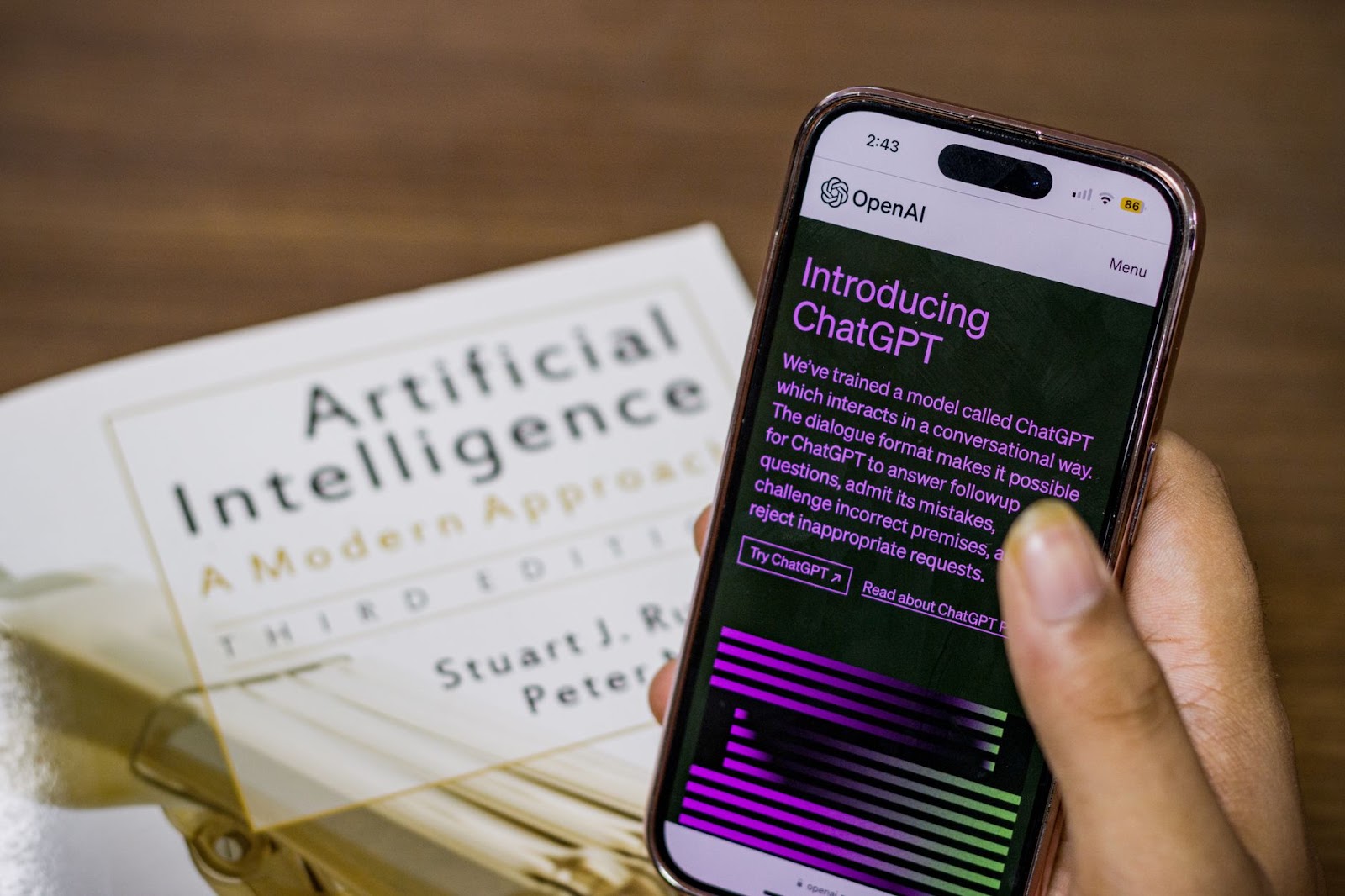
Photo: Sanket Mishra on Pexels
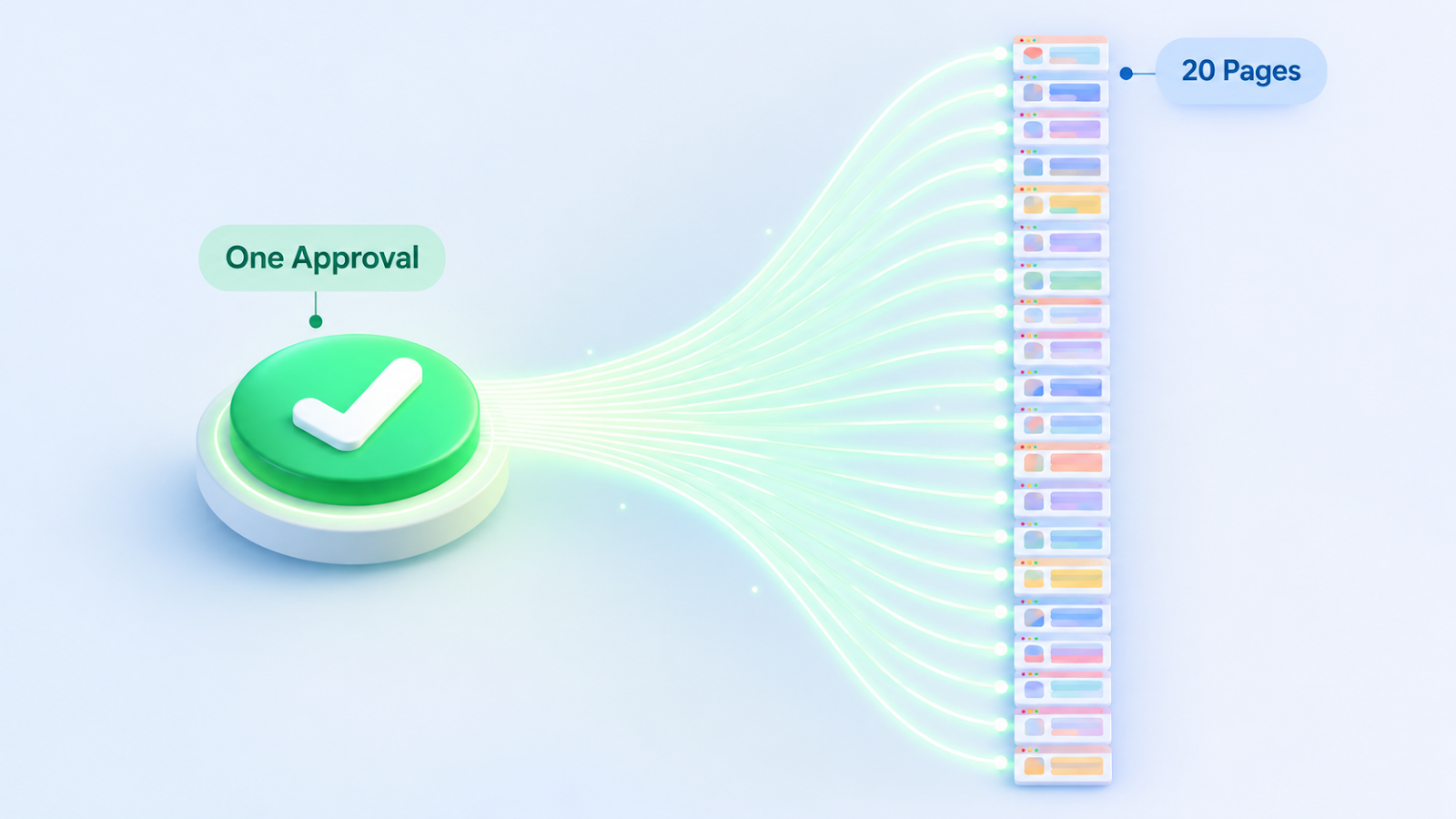
One approval for the whole batch, not twenty
Normally, nothing goes live on my blog until I press an approval button.
For a batch like this, twenty separate approvals would have been noise.
So I made a single request whose wording listed every post it covered, and I approved that once.
The publishing script checks that wording.
If the approval doesn't name the posts, it refuses to update them.
I liked that, because a vague "yes" can't accidentally cover more than I meant.
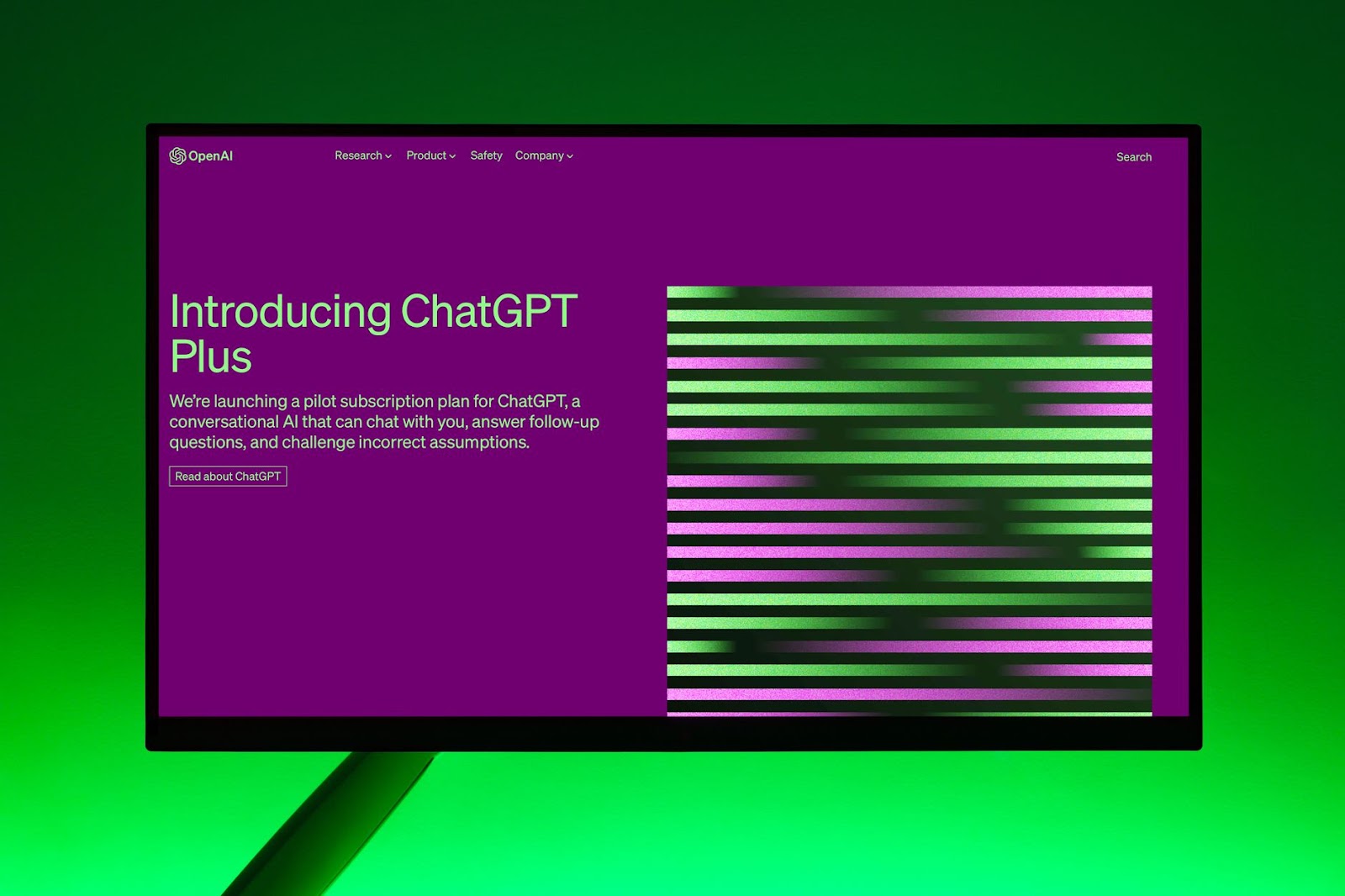
Photo: Andrew Neel on Pexels
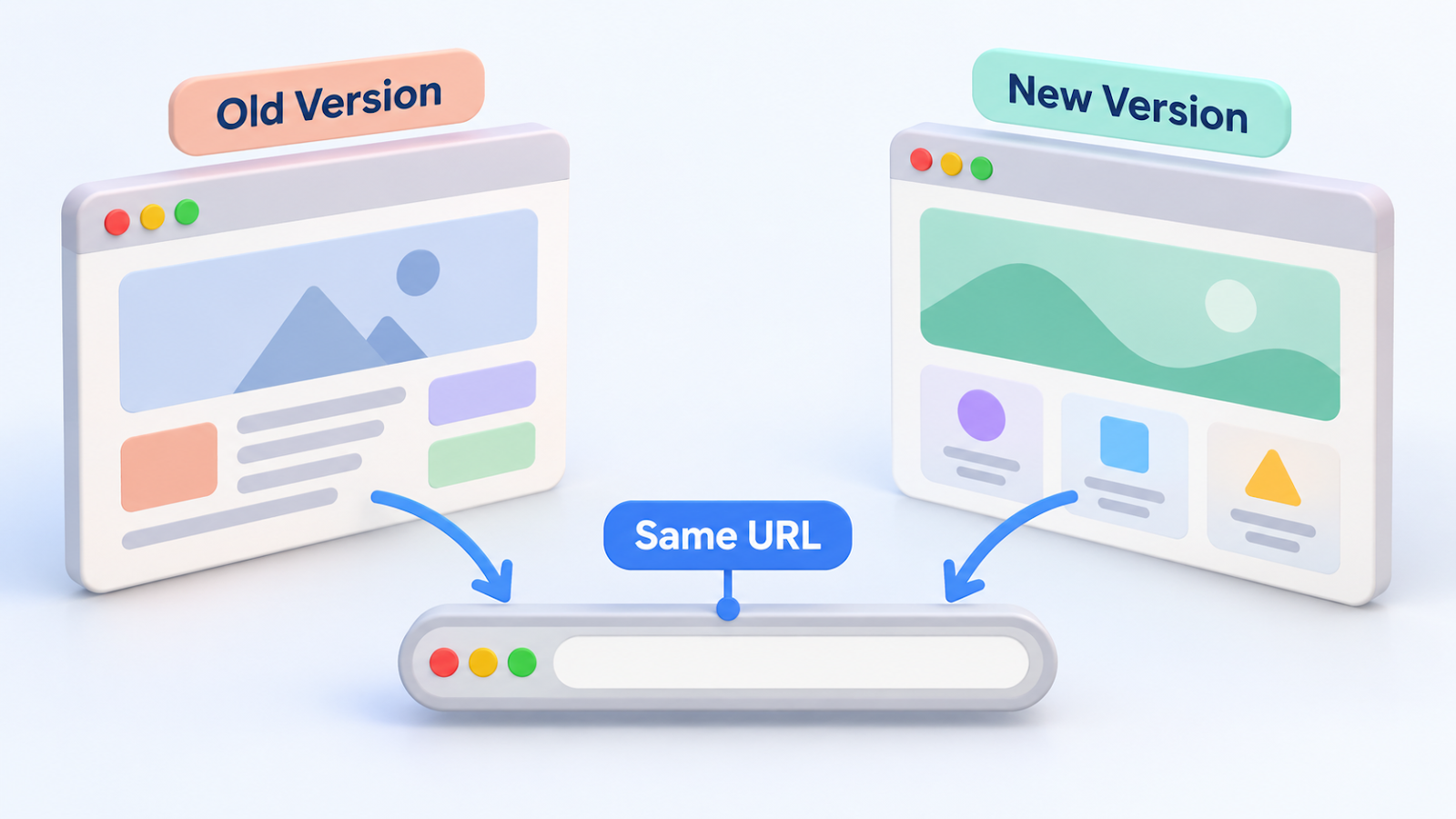
Keeping every URL exactly the same
A post's web address is how everything else finds it: links, bookmarks, search results.
So I treated the permalinks as untouchable.
That was my own rule, not something the editor forced on me.
The update replaces the content of an existing post.
It doesn't create a new post, so the address stays put.
At the end, I counted 0 changed addresses across the 20 pages.
Checking every page after the update
After each page was updated, the script opened the live public page and compared it with my text.
It checked three things:
- The title.
- Four of the subheadings.
- The images.
All 20 pages passed.
Then I ran one more check across the public pages for the old wording I had removed.
It found 0 matches.
I like that second check.
It doesn't ask whether my new text is there, only whether the old text is really gone.
Two surprises
1. Two kinds of pages had no saved record.
My first post and the About pages had been pasted into Blogger by hand, before I automated publishing.
So I had no saved post ID for them, and the script couldn't update what it couldn't find.
I looked the pages up through the Blogger API, rebuilt the records, and only then updated them.
2. My first photo choices were wrong.
I added general stock photos at first, and I judged that they had nothing to do with the posts.
I replaced 34 of them with photos that show AI tools, such as chat screens and robots.
Every photo is from Pexels, with the photographer credited under it.
Wrap-up
- One approval whose wording names every post is enough for a batch.
- Replacing the content of a live post keeps its URL.
- Check the live page afterwards, and also check that the old text is gone.
- If you pasted a post by hand, expect to rebuild its record before you can update it.
Have you ever had to rewrite a lot of published posts at once?
What did you check afterwards?
I'd like to hear your routine in the comments.
Related posts:
- How I let my agents publish on their own, with one approval switch
- Automating Blogger posts with AI, and what the API can't do
Thanks for reading.

Comments
Post a Comment