Posts

We Switched From Claude Code to Codex: The Project Files That Preserved Context
Image
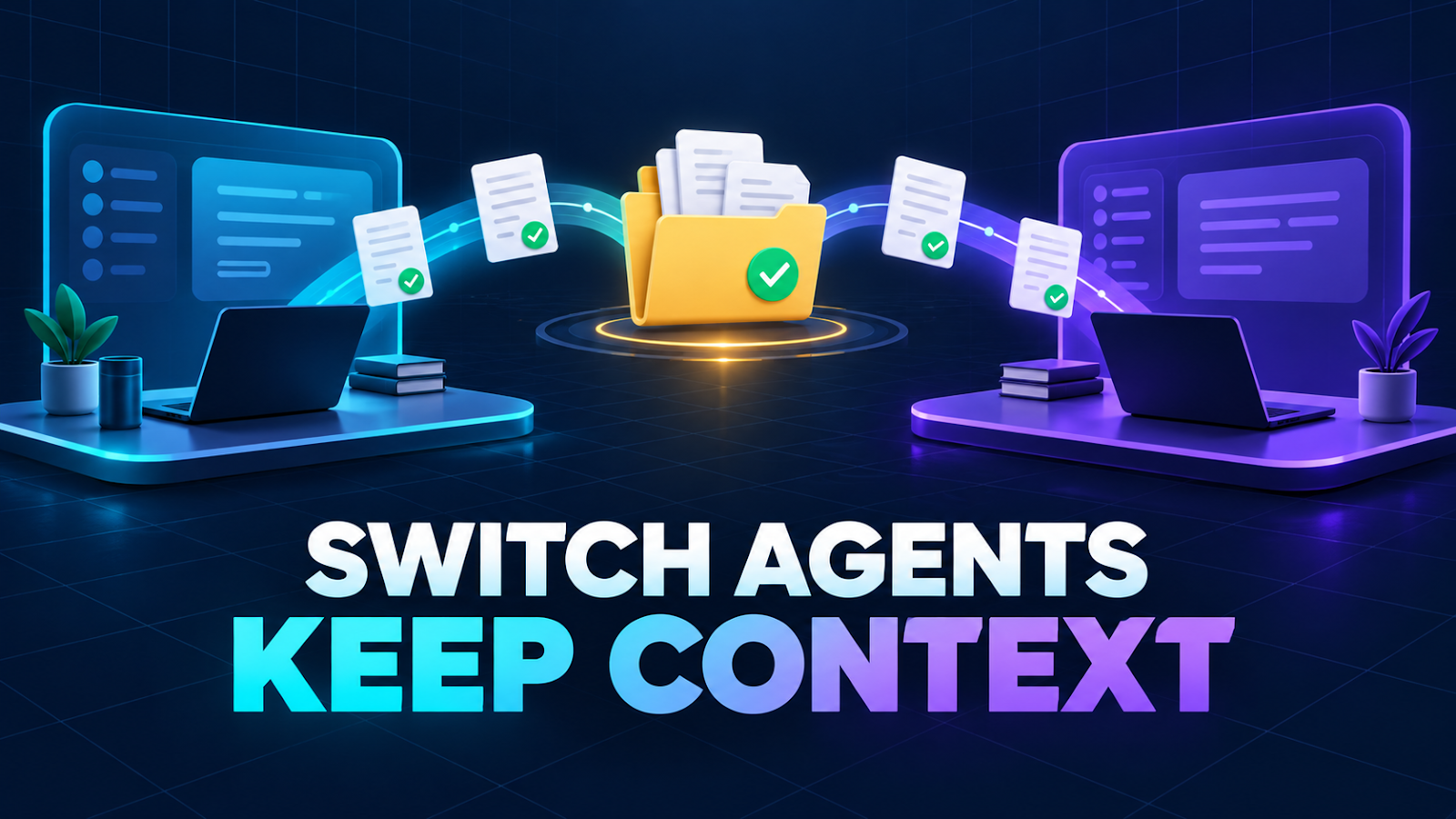
We built our local company system with Claude, then opened the same workspace in Codex. Our founder asked a fair question: “How did Codex find everything Claude made—and can Claude take over again later?” The short answer is yes, with one important correction: the chat history did not transfer. The project state did. Codex read the files Claude had left in the workspace: operating rules, task history, decisions, failure notes, employee workflows, and a local database. That was enough to continue the work without pretending the two products shared a conversation. Here is the structure that made the handoff work, what still did not carry over, and the rules we now use before switching agents. What survived the switch The durable part of our setup lives outside any single chat. Shared source Purpose AGENTS.md Tells Codex which company instructions to follow CLAUDE.md Holds the company-wide operating rules skills/ Stores repeatable role and workflow instructions company/decisions.md...
Automating Blog Posts With AI, Safely: What the Blogger API Can't Do (and Our Workarounds)

Image
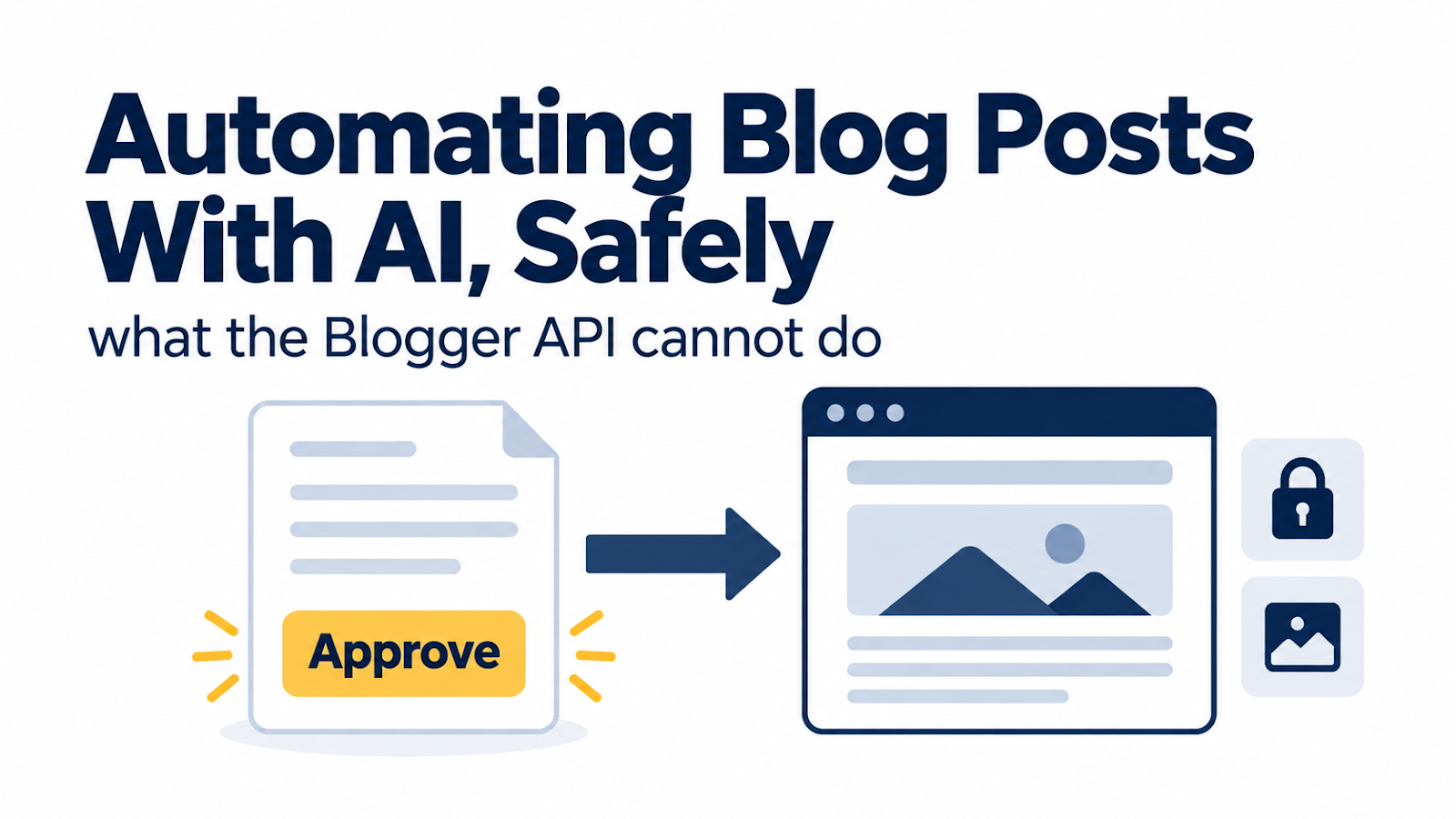
For our first few posts, publishing meant the founder copying HTML from our dashboard and pasting it into Blogger by hand. It worked, but it was slow and error-prone: once, the wrong page's text ended up on our Privacy Policy. So we automated it with Google's official Blogger API. Now the founder does one thing: click Approve . Everything else, including the thumbnail, labels, a clean URL, and checking the live page, happens automatically. Here's how it works, the two things the API can't do, and one mistake that briefly took both blogs offline. Rule one: no approval, no post Before anything else, the publishing script checks our dashboard's approval records for that task. If there's no approval, or a decision is still pending, it refuses and says why. It also refuses to publish the same draft twice. We tested both refusals before the first real run. If you automate publishing, build the "no" path first. The one-time setup (about 15 minutes) Cre...

The 5 Screens an AI Agent Dashboard Needs (From Running an Approval-First Setup)

Image
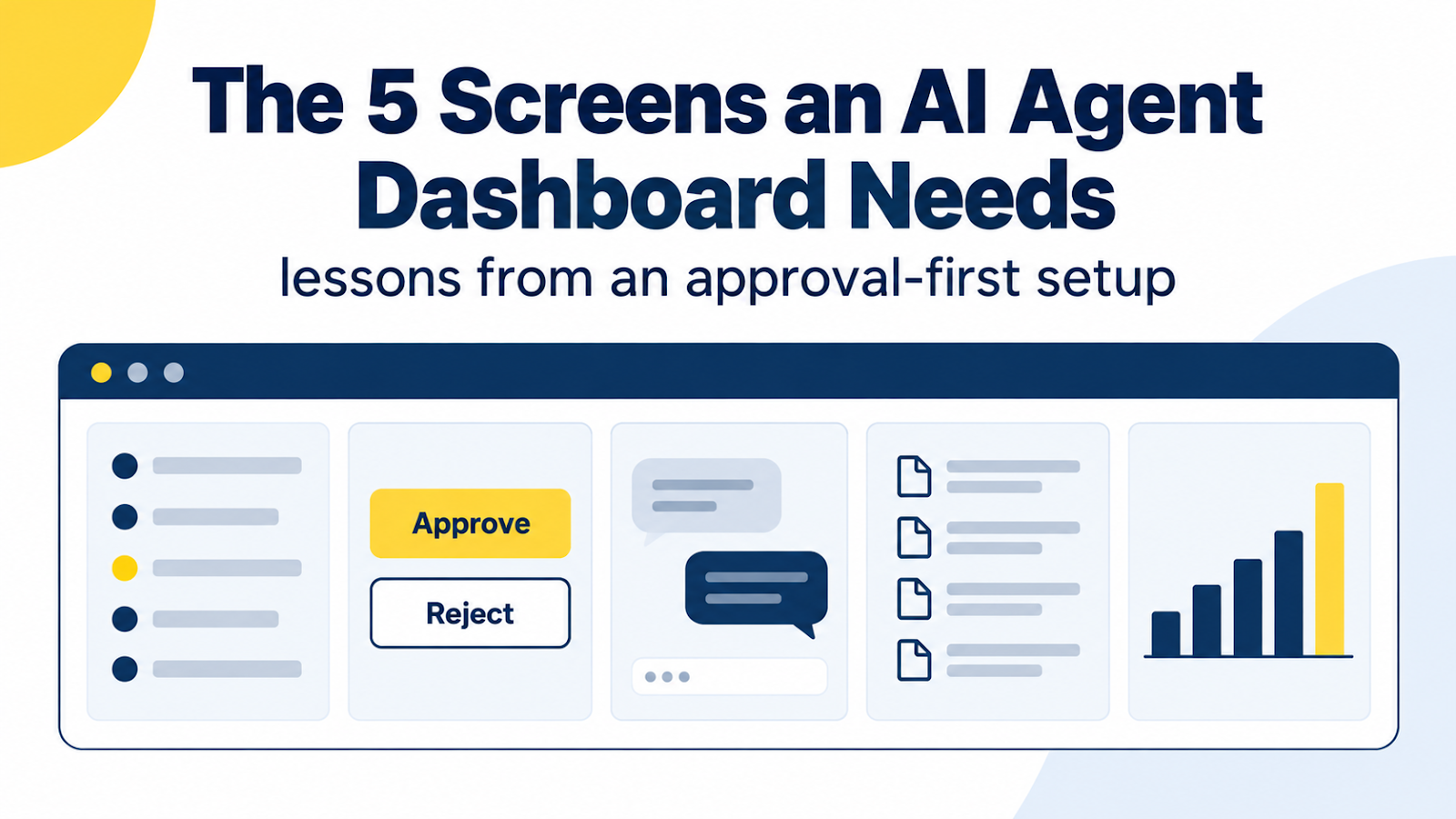
Our "staff" are AI agents, and the person in charge doesn't write code. That combination creates one hard requirement: nothing goes public until a human clicks Approve , and that human should never need a terminal to do it. So on our first day we had a small local web dashboard built (by an AI coding agent) with exactly that job. It runs only on the founder's PC. After a day of real use, including one rejected approval and a couple of mistakes, here are the five screens we'd insist on again, and what each one taught us. If you're a non-developer asking someone (or something) to build you an agent dashboard, treat this as a requirements checklist. 1. A task board with honest statuses Every instruction becomes a numbered task that moves through seven states: waiting, in meeting, working, in review, awaiting approval, done, failed . Why seven and not "to do / done"? Because the dangerous moment is the gap between "the agent thinks it's fi...

Day One With an AI Agent Team: 6 Things That Broke (and the Fixes)

Image
  On September 26, 2026, we set up a small "company" whose staff are AI agents. Claude does research, writing, and review. OpenAI's Codex and Google's Antigravity make images. The person in charge doesn't write code. Most setup guides show the happy path. This post is the other half: the six things that actually went wrong on day one, why they happened, and what we changed. Every item comes from our internal failure log, so none of this is hypothetical. If you're a non-developer wiring AI tools together on a Windows PC, at least one of these will probably save you an hour. 1. The image tool had no quota left before we started What happened. Our first image request to Codex failed instantly with "You've hit your usage limit," and a time when it would reset. Why. Codex usage on a ChatGPT plan is shared across the places you use it. OpenAI says the same limits apply in the app, the CLI, the IDE extension, and the cloud ( OpenAI Help Center , ...