Find Dead Air in AI Voiceovers With One FFmpeg Command
Hi there.
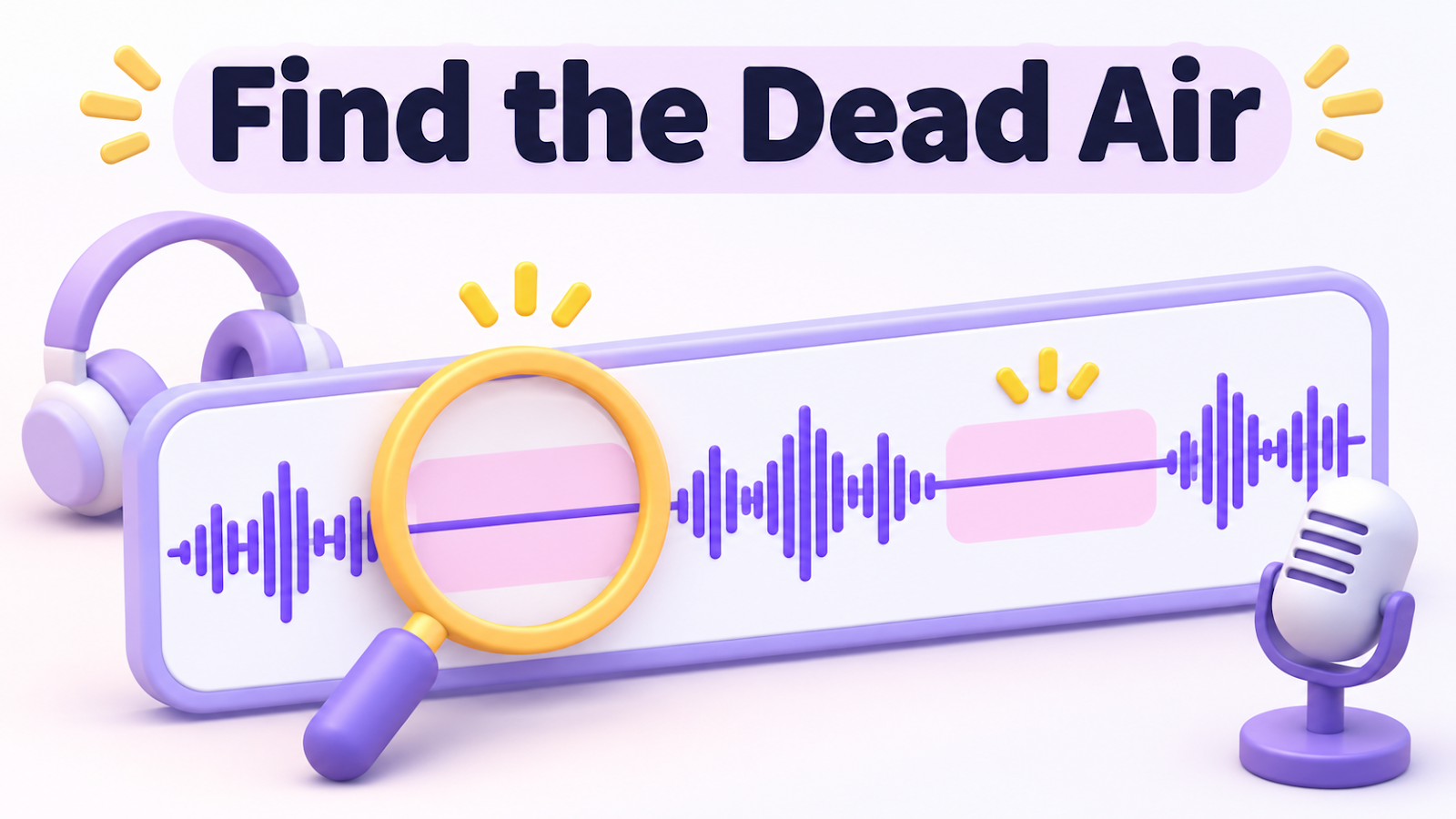
When I build a narrated video from AI voice clips, long stretches of silence can sneak in between sentences.
My first assembly of a roughly 14-minute video had 109 gaps longer than 1.2 seconds.
I did not hunt for them by ear. I measured them.
Here is the command and the fix.
What I saw
I generated 166 sentences one at a time and joined them into a video of 859.7 seconds.
A checker flagged 109 silent stretches of 1.2 seconds or more.
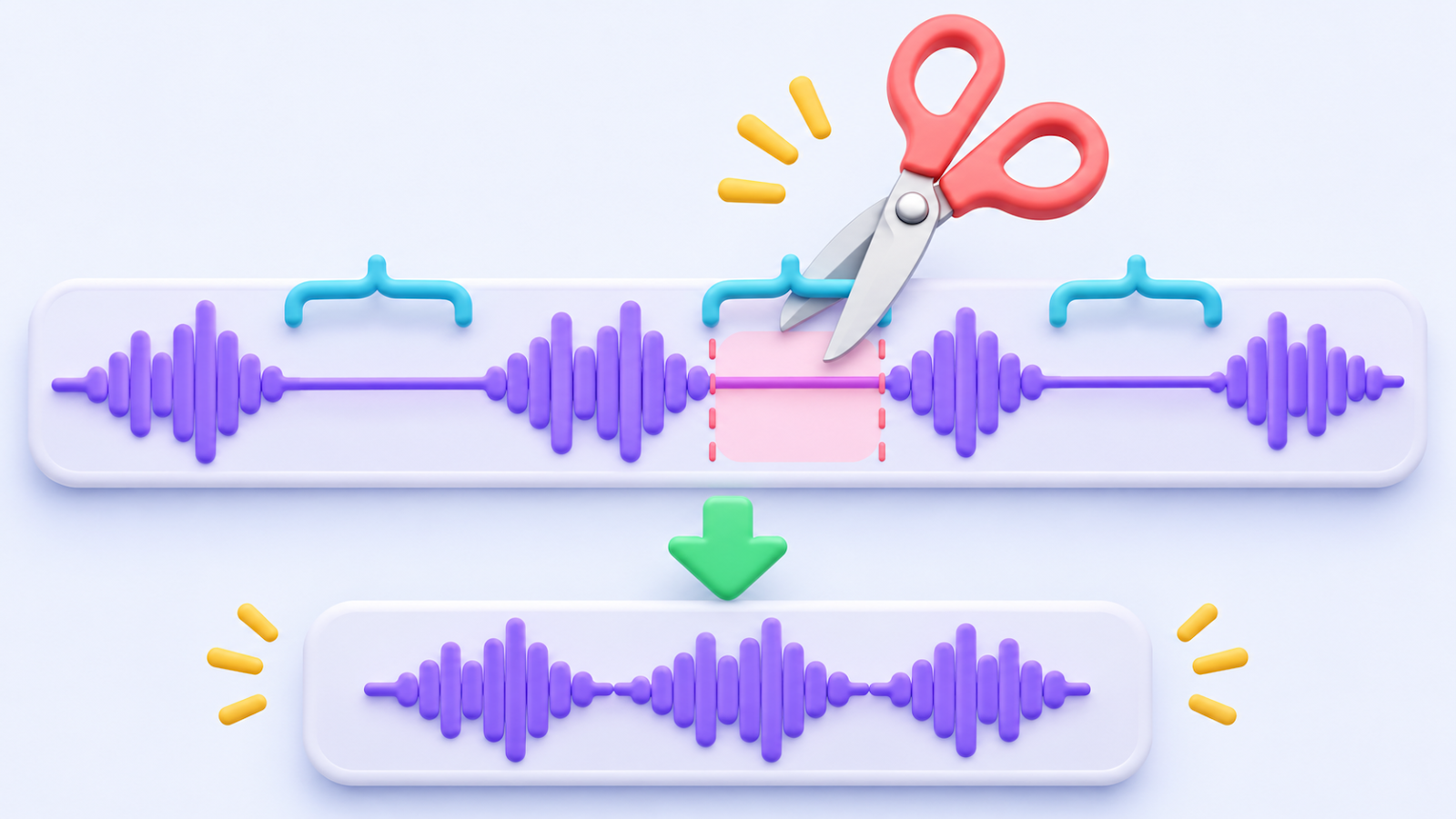
Each sentence file carried a long quiet tail, and those tails added up.
The detection command
With FFmpeg installed, one line lists every silent stretch:
```
ffmpeg -i "video.mp4" -af silencedetect=noise=-50dB:d=1.2 -f null -
```
Each silence_start and silence_end pair in the output marks a gap.d=1.2 means only gaps of 1.2 seconds or longer are reported, so change that number to change the rule.
The fix
- Trim the quiet edges of each sentence file but keep 0.18 seconds (180 ms) of breathing room on both sides.
- Compare the audio samples before and after trimming to confirm that no spoken sound was removed.
- Rebuild the video from the trimmed files.
The first rebuild came out at 792.4 seconds.
The final video is 791.8 seconds with zero silent gaps over 1.2 seconds.
I kept natural pauses on purpose, because a voiceover with no breathing room sounds rushed.
A second problem I hit
I cut 0.3 seconds from the middle of the last two gaps, and the output suddenly measured 477 seconds.
The source was still a healthy 792.4 seconds.
The cause was a color-info change inside the video that made the filter restart and scramble the timestamps.
For inputs with the same size and pixel format, adding the input option -reinit_filter 0 fixed it.
If it goes wrong
- If the length drops far more than expected, stop and compare against the untouched original.
- If speech seems clipped, restore the original voice files and trim less.
Summary
Measure silence with a number, cut with a safety margin, and re-check the total length after every cut.
How do you smooth out awkward pauses in AI voices?
Tell me in the comments.
Related reading:
Thanks for reading.



Comments
Post a Comment