AI Agent Silent Failures: 3 Cases and the Fix

Hi there.
The worst failures I have seen with an AI agent were silent failures, not the loud ones.
I'm not a developer, and three times my assistant reported a result that did not match reality.
Once a success looked like a failure, once nothing changed but it said done, and once an error looked like an empty result.
Here are all three, and the one habit that now catches them.
Failure 1: a success that looked like a failure
My assistant ran a quick check on Windows and the command printed an ugly assertion error and exited with a failure code.
Underneath, the check had actually worked.
The program only crashed while closing, because it was told to exit while a network call was still shutting down.
The script read the failure code and decided the check had failed.
So it ran the check again, six times in a row.
Fix: let the work finish and then end normally, or set the exit code instead of forcing an exit.

Photo: Markus Winkler on Pexels
Failure 2: nothing changed, but it said done
I asked for a setting in a configuration file to be changed with a one-line text replacement.
The file was written across several lines, so the text it searched for never matched.
Nothing changed, and my assistant reported that the change was made.
I then rebuilt a result twice with the old setting before the problem was caught.
Fix: edit structured files by reading them as data, change the value, then read the file again and print the new value before reporting.
Failure 3: an error that looked like an empty result
My script asked a website for many items in quick succession.
The site started refusing requests with a "too many requests" response.
The script treated each refused request as "found nothing" and recorded zero results for the items it could not fetch.
So the report said zero when the truth was "I was blocked".
Fix: wait at least a second and a half between requests, obey the wait time the site sends back, and print every failed search at the end instead of counting it as empty.


Photo: Markus Winkler on Pexels
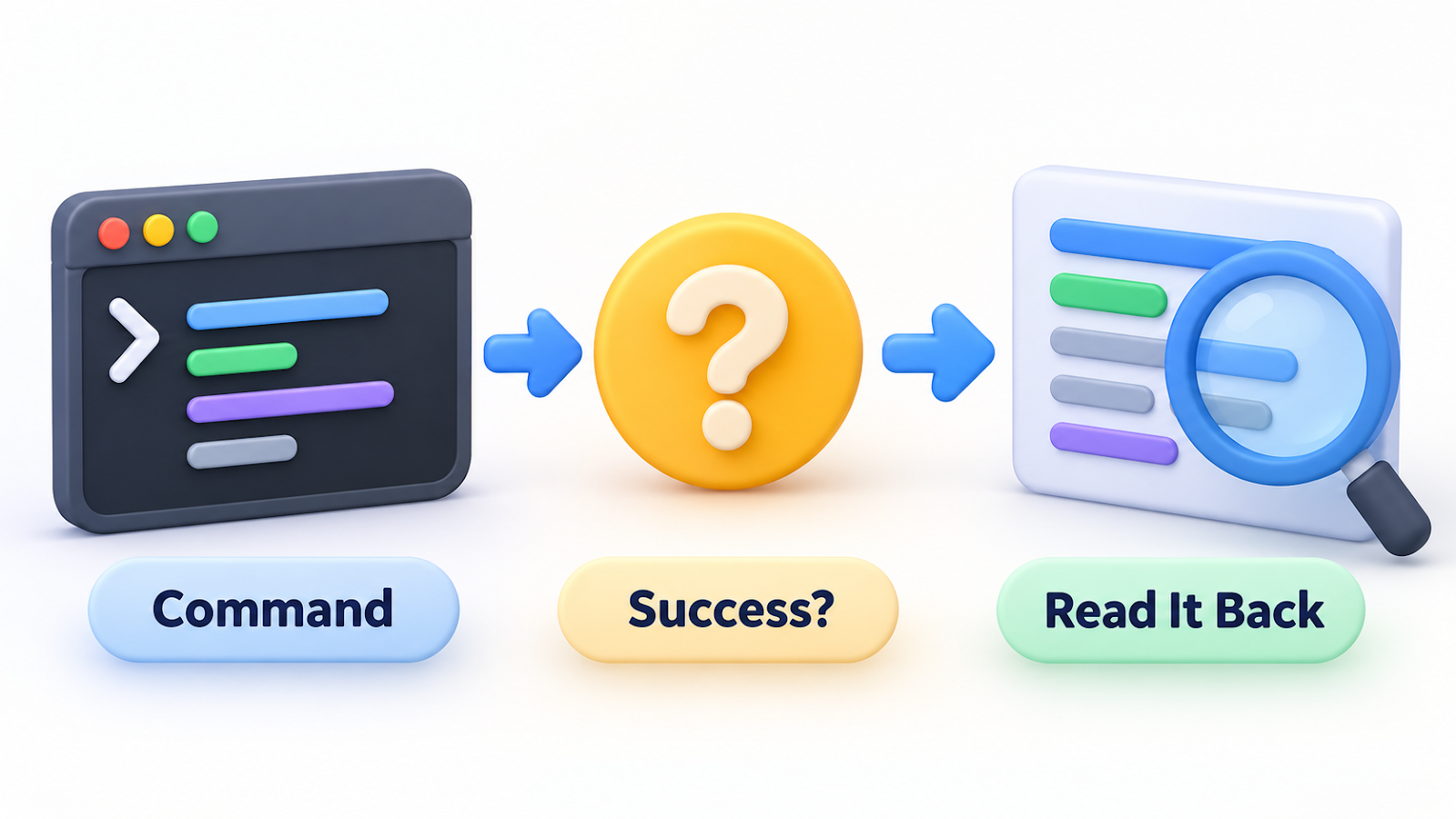
The one habit that catches all three
Read it back.
After any change, open the thing you changed and look at it.
A report of success is not evidence; the file, the page or the number itself is.
My notes now treat "no output" and "error" as things to investigate, not as zero.
Wrap-up
- A success code can lie, a failure code can lie, and so can an empty result.
- After every change, read the real thing back and print it.
- Record each failure with its cause and a replacement method, so the next try starts smarter.
Have you caught an AI agent reporting something that wasn't true?
Share the story in the comments.
Related post:
Thanks for reading.


Comments
Post a Comment