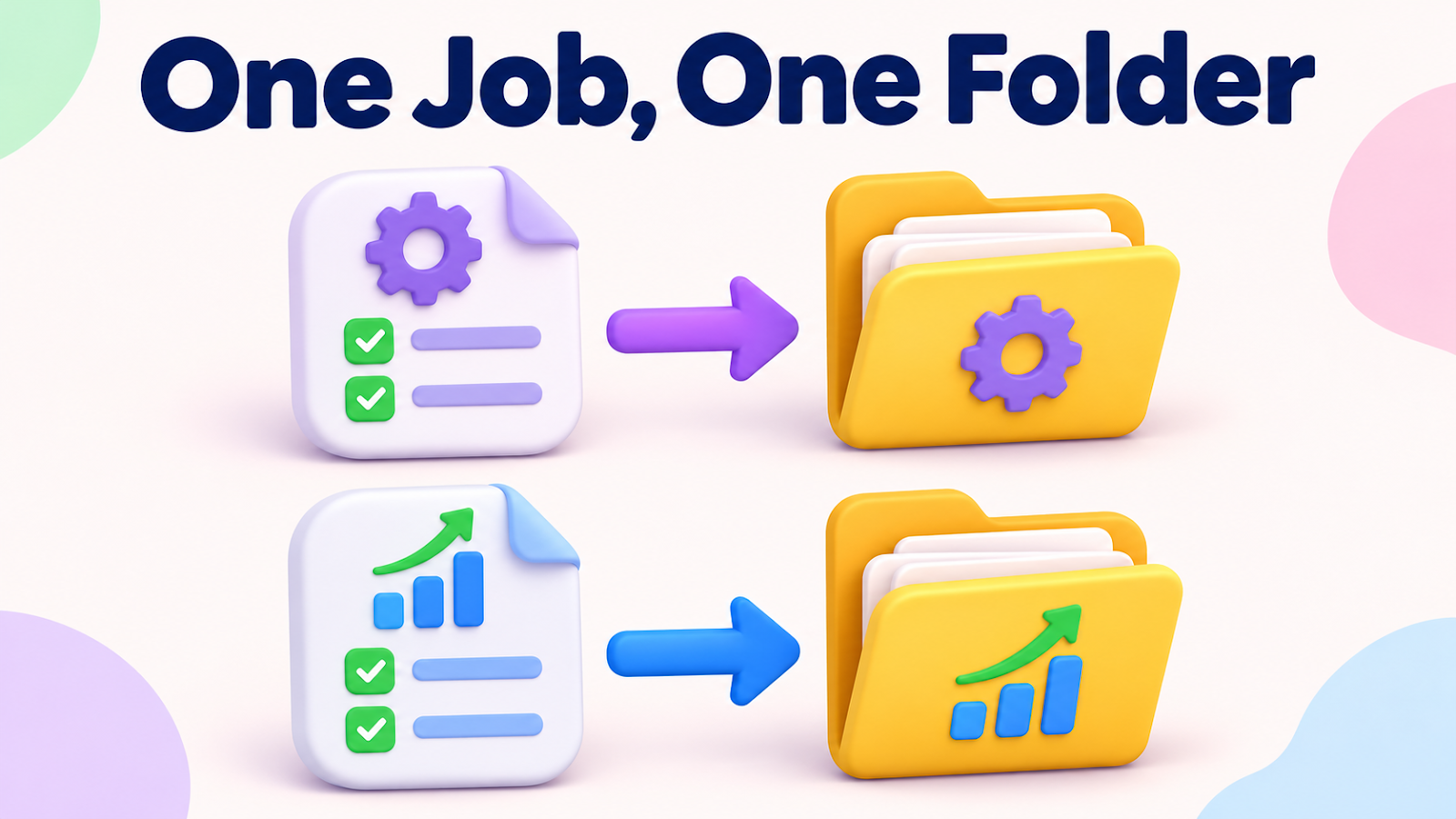
Running Two AI Jobs at Once: Give Each Its Own Folder
Hi there.
Running two AI jobs at the same time cuts the waiting.
It works as long as the jobs do not share an output folder.
I learned this when I rendered one long video and three short clips together.
Here is what broke and the simple rule I follow now.

What broke
The video program I use deletes and rebuilds its working folder (_work) inside the output folder every time it starts.
I pointed the long video and the shorts at the same output folder and started them together.
Both commands began without an error.
Their working files collided, so the results could not be trusted.
The lesson
A command that starts successfully does not prove the tool is safe to run twice at once.
Before running two jobs in parallel, I check three things:
- Does the tool delete or overwrite its output folder on start?
- Do both jobs write temporary files with the same names?
- Is another job already running?
If I cannot answer all three, I do not run them together.
What I changed
- Every job gets its own output folder, such as
main,short-1, andshort-2. - Before a run, I look at the folder for existing files and running programs.
- If I have to stop a job, I stop only that job's exact process by its process ID. Anything started elsewhere keeps running.
- I copy the voice files I already generated (the cache) into the new folders instead of generating everything again.
How I know it worked
Each output folder contains only its own job's files.
The logs show no sign of one job clearing another job's folder.
If it already went wrong
- Discard the mixed results.
- Start each job again in its own folder.
- Stop programs by process ID, not by name, so you do not close a similar program by accident.
Summary
Parallel jobs need separate folders from the first run.
A clean start is not proof of safety.
What collisions have you run into?
Tell me in the comments.
Related reading:
Thanks for reading.


Comments
Post a Comment