Stock Photo Relevance: 3 Checks Before You Write Your Post

Hi there.
One of my free stock photos showed an airplane with an airline logo printed on its wing.
The photo was free to use, and it still did not belong in my project.
This post is a pre-publish photo check for solo bloggers who add free photos to their posts.
It has 3 checks, one rule for switching to an AI picture, and a way to catch a bad photo before you build anything around it.

The airplane, the mask and the toy rocket
I picked photos for a video from Pexels.
Three of them did not match their scenes.
One showed a person wearing a mask.
One showed a plane with an airline logo on its wing.
One was a child's toy rocket, and it appeared in a short.
Each one was wrong for its scene.
A search term names a topic.
It does not show you the picture.
Open one frame before you build anything
After that, I changed the order of my work.
Before production starts, I open a representative frame and look at it with my own eyes.
Do the same with your blog post.
Pick the photo for your main section and open it at full size.
Read the sentence it will sit under.
Then look at the photo and the sentence together.
If the two do not say the same thing, find another photo before you write the rest of the post.
Swapping one photo before you write is cheaper than rewriting around it afterward.
The 3 checks
The picture at the top of this post carries three labels: Subject, Person, Logo.
Here is what each label asks.
Logo.
Look at wings, shirts, signs, packaging and screens.
A visible company logo puts a company in your post that your text never mentions.
The airline plane failed this check.
Person.
If someone appears in the photo, look at the face, the clothing and the expression.
Then ask whether they fit the mood of your sentence.
The person in a mask failed this check.
A mask changes what a scene says before a reader reads one word.
Subject.
Name the object or scene your paragraph is about.
Then ask whether the photo shows that exact thing.
The toy rocket failed this check.
A child's toy cannot stand in for a real rocket.
A photo that is close to your topic is not the same as a photo of your topic.
Write the answer to each check in a few words.
A photo needs three clear answers before it goes in.
If you cannot answer one of them, the photo fails.
Why a generic photo is not a safe fallback
When no photo seems to fit, a generic one looks like an easy way out.
I tried this on the blog.
I used a general photo that had nothing to do with the topic, and it was rejected.
Since then I use only photos related to the subject of the post.
So run the Subject check against your topic, not against a nice-looking picture.
Two photos that pass
I picked these two photos because they fit the subject of this post, and they pass all three checks.
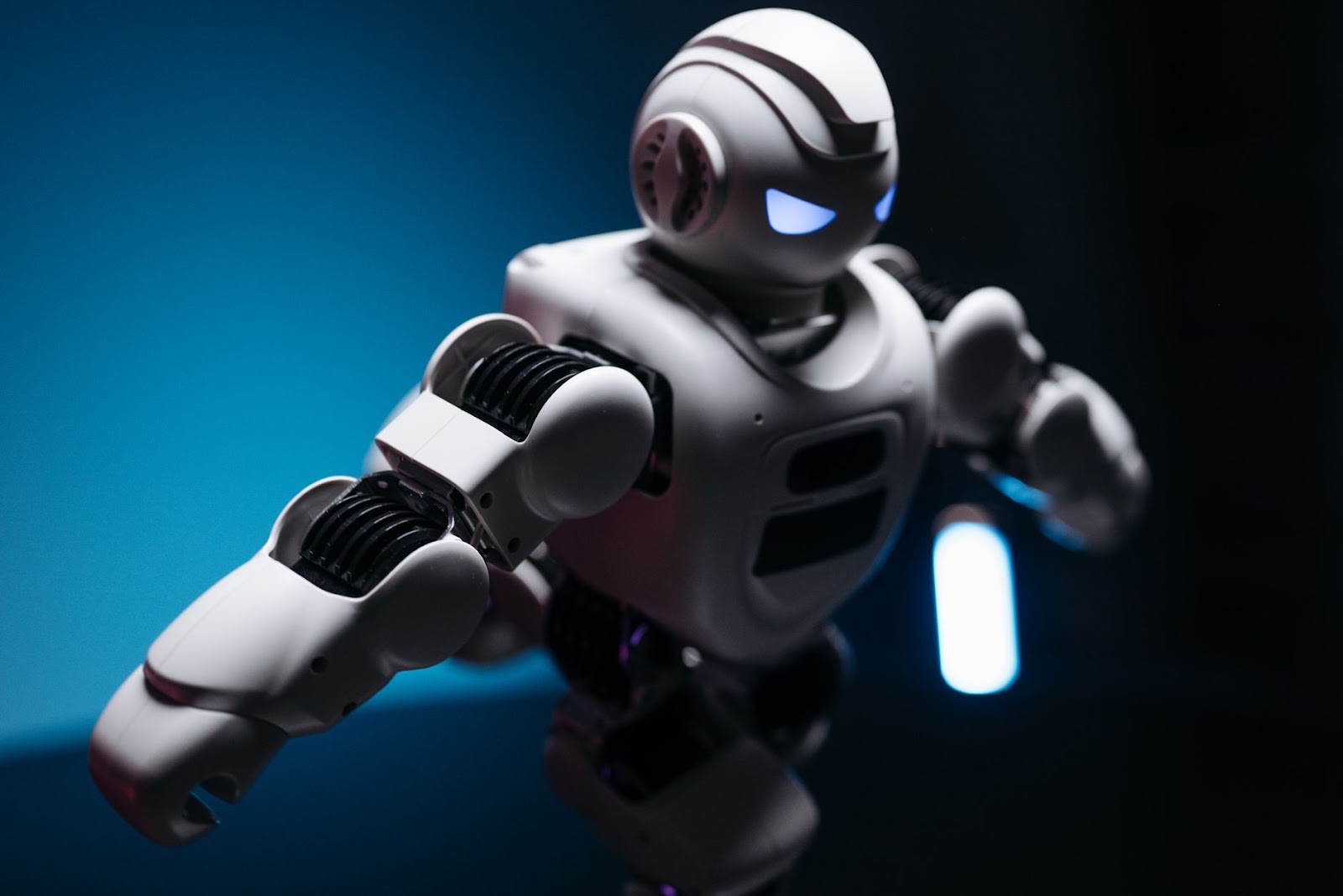
Photo: Pavel Danilyuk on Pexels
Check it yourself.
Subject: a robot, used here as an illustration of AI.
Person: nobody appears.
Logo: no logo and no text.
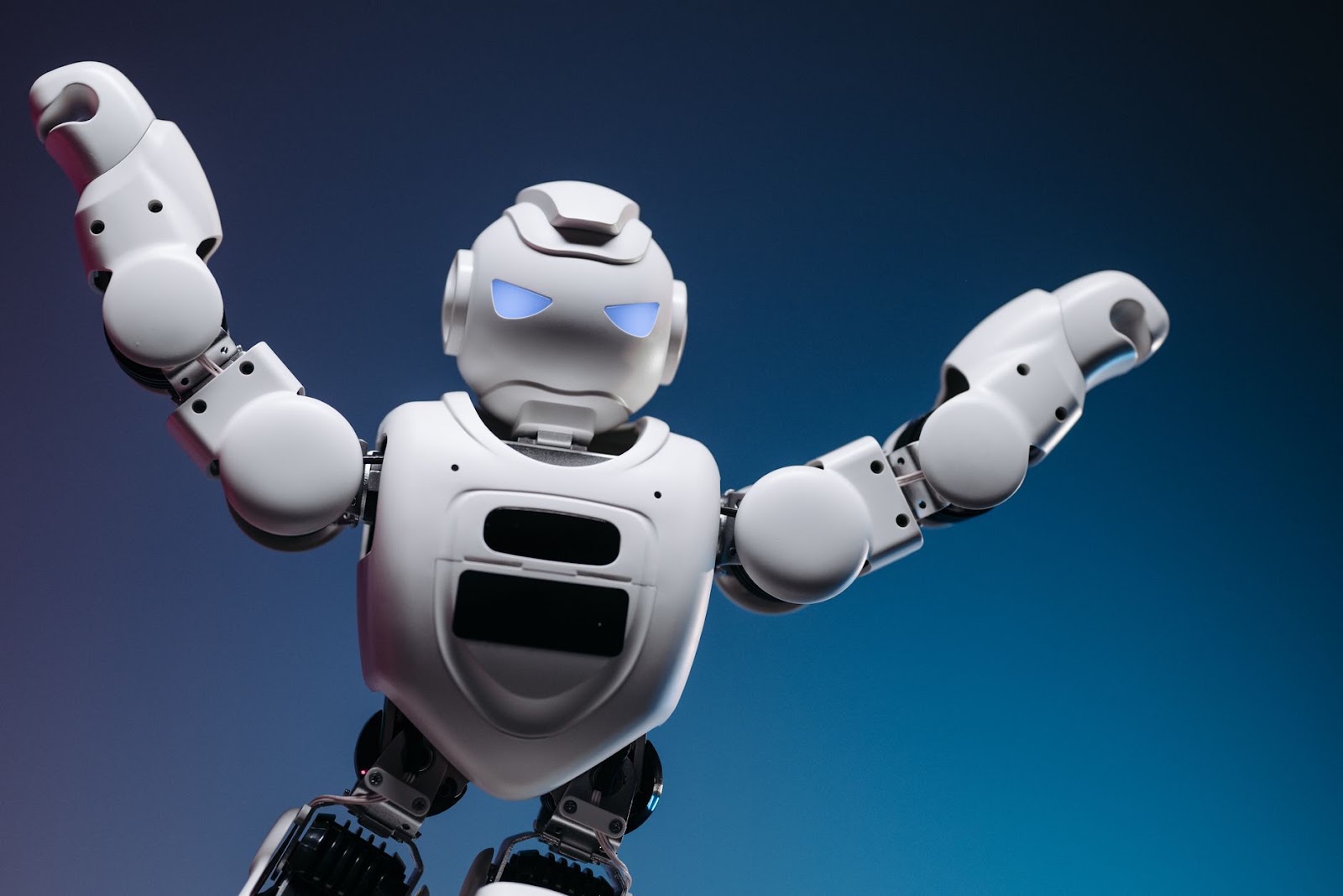
Photo: Pavel Danilyuk on Pexels
This one gets the same three answers.
The subject fits, there is no person, and there is no logo.
A reader can look at either photo and tell what kind of post is coming.
Where an AI picture takes over
Search again with words that describe the exact scene before you give up on a photo.
Add the object, the place and the action to your search.
If a photo still fails a check, drop it.
For scenes with a character in a story, I switch to an AI picture.
I generate the character instead of searching for a photo of one.
Tell the AI picture generator to include no logos and no text.
Then run the same three checks on the new picture.
An AI picture gets no exemption from the Logo, Person and Subject checks.
The takeaway
A free photo that passes the license check still has to pass your eyes on subject, person and logo before it goes into your post.
What is the first thing you look at when a free photo shows up in your search results?
Tell me in the comments.
Related post:
Thanks for reading.


Comments
Post a Comment