Free Stock Photos for a Blog: 6 Image Rules I Use

Hi there.
If you search for free images for a blog, the hard part is not finding photos.
It is knowing which ones are safe to use and which ones fit your post.
I'm not a developer, and I added photos to about twenty blog posts.
These are the rules I ended up with and why.
Where the photos come from
I use one source only: Pexels.
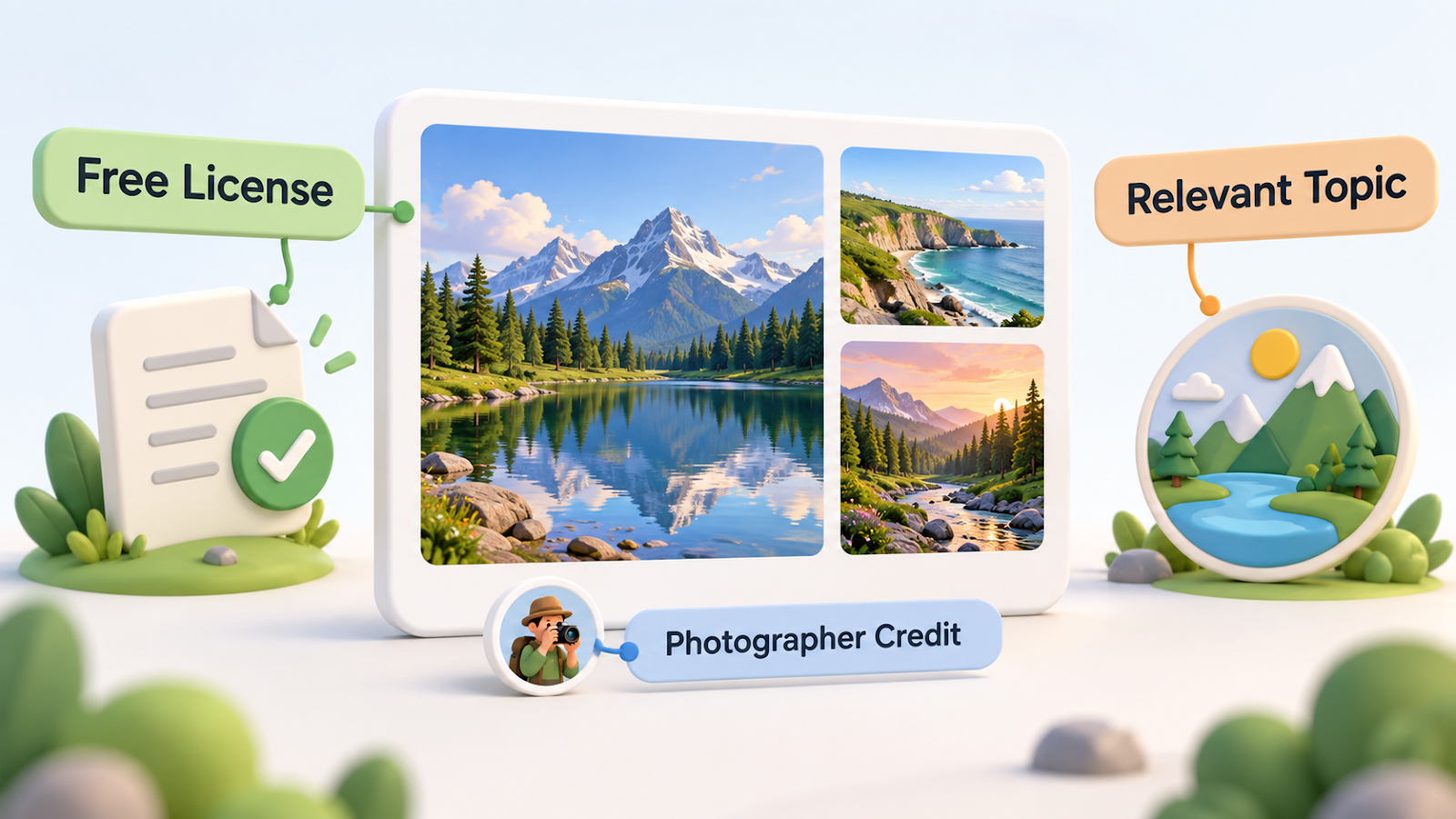
According to the Pexels license page (checked on 2026-10-07), the photos are free to use commercially, and attribution is not required.
It also lists things that are not allowed, such as presenting identifiable people in a bad light, selling unmodified copies as posters, or implying that a person or brand endorses you.
Please read the current terms yourself at pexels.com/license.

Photo: Markus Winkler on Pexels
My six rules
- Use photos from one free photo site only.
- Put the photographer's name and the site right under each photo. It is not required, but it is my rule.
- Use only photos that relate to the post. I first picked general photos, decided they looked unrelated, and replaced 34 of them with photos of AI tools such as chat screens and robots.
- Keep the language of the image consistent with the post. The same goes for text inside my own illustrations.
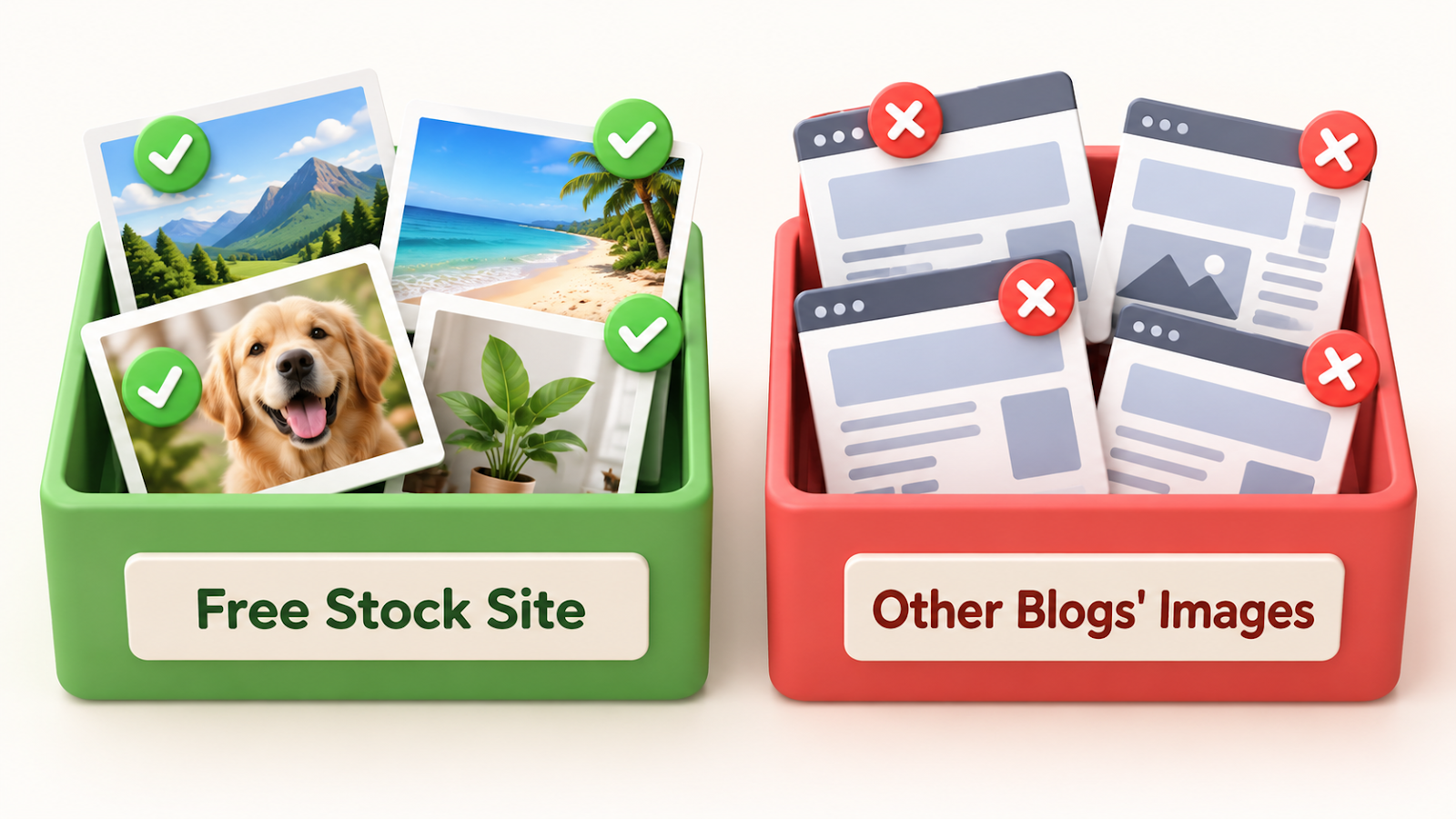
- Never reuse images from other blogs or news sites. They are copyrighted.
- Use two photos per post, at about one third and two thirds of the way down, and never repeat a photo.
Why each rule exists
Rule 3 came from my own experience.
Unrelated photos made the posts feel generic, so I switched.
Rule 4 came from a mistake.
I once put images containing text in another language into a post, and caught it only after publishing.
Now I check the language of every image before a post goes live.
Rule 5 came from a question I asked.
Images from another blog are copyrighted, so I don't borrow them.
So I use free photos instead.
Photo: Markus Winkler on Pexels
The limit
I could not find free photos of Claude, so I cannot show that product with a photo.
For that, I make my own explanatory illustrations instead.
Wrap-up
- Choose one free source and read its license on the day you use it.
- Credit the photographer, even when it is not required.
- Match the photo to the topic, and never borrow images from other blogs.
Where do you find photos for your posts?
I'd like to compare notes in the comments.
Related post:
Thanks for reading.



Comments
Post a Comment