AI Blog Thumbnails: 4 Rejected Images and the Prompt Rules That Fixed Them
Hi there.
Every post on this blog has an AI-made thumbnail.
Not every first attempt made it.
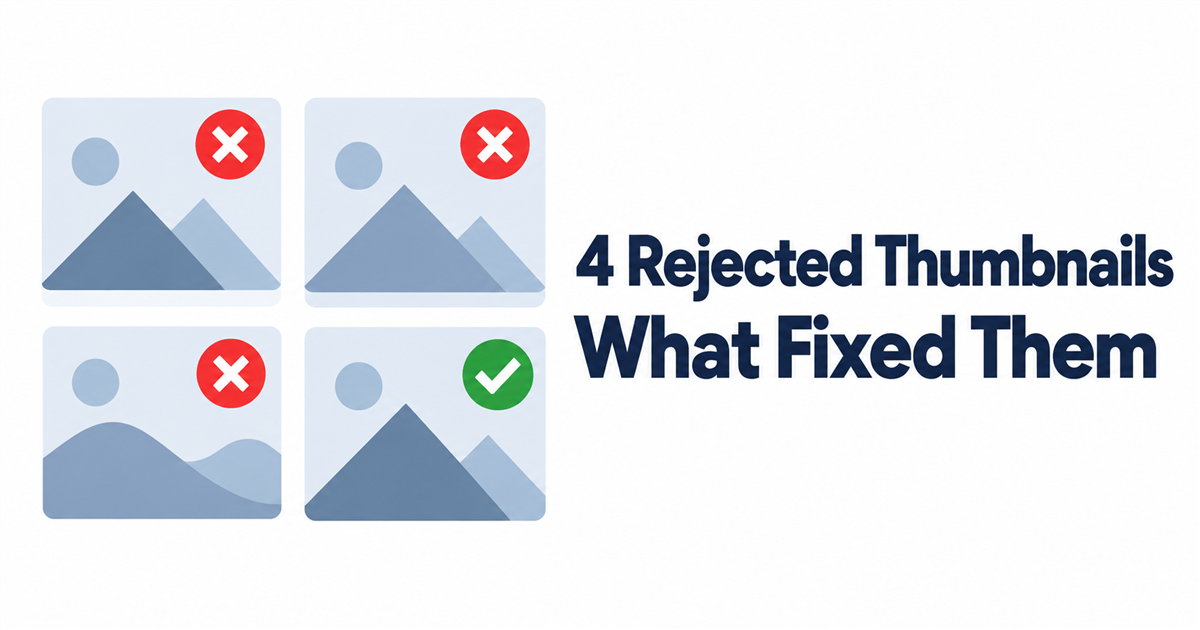
Here are four images that failed my review and the prompt change that fixed each one.
The first three originals had text in a different language than this post, so I show them here as simple illustrations.
Rejected #1: the AI filled in words I never gave it
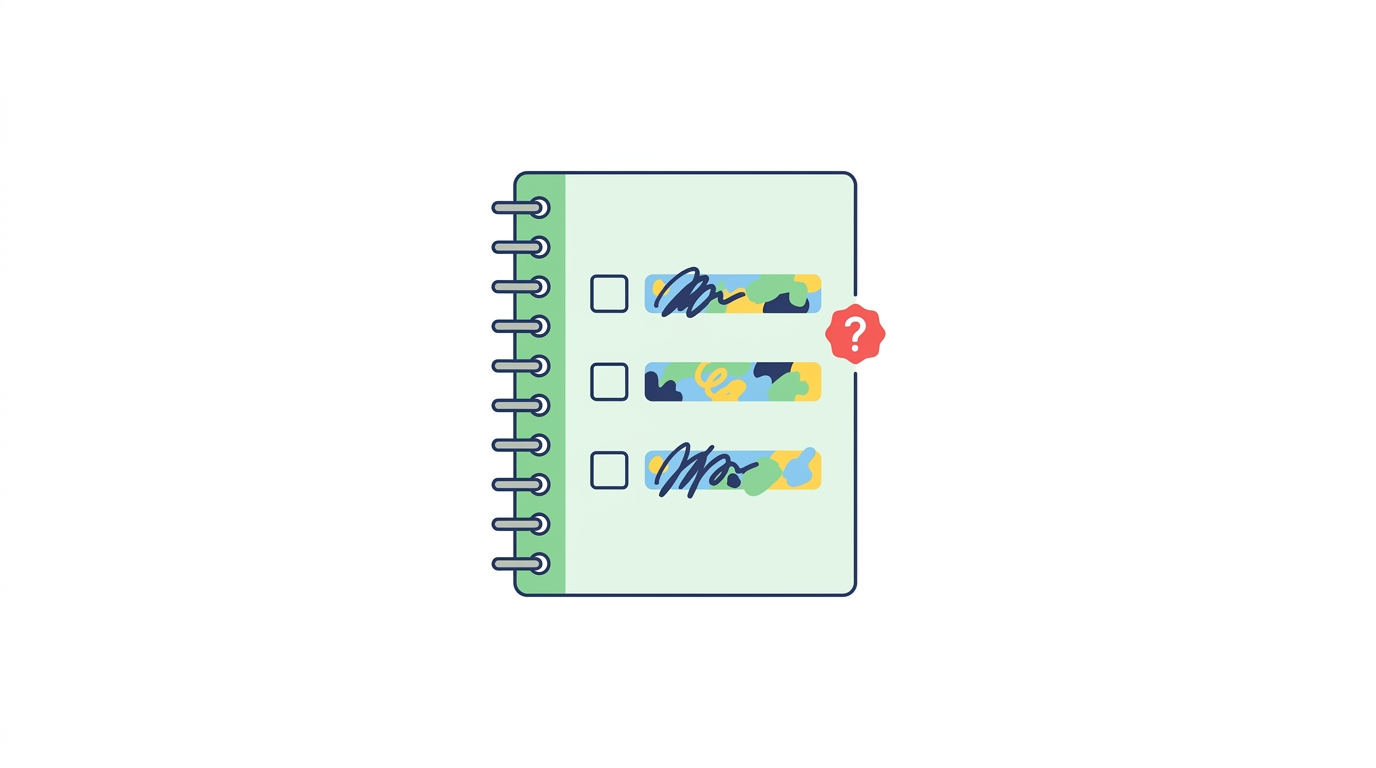
My first-ever thumbnail needed a notebook with a three-item checklist.
The checklist was supposed to show my three writing principles: fact-checking, citing sources, and labeling ads.
I asked for "a notebook with three checked items" and didn't spell out the items.
The design was good.
But in the original, the three items read roughly "fact check," "concise sentences," and "reader focus."
Two of those three were never my principles; the model invented them.
Fix: write out every word that should appear in the image.
If a list, label, or sign is in the picture, its exact text goes in the prompt.
Photo: Patrick Gamelkoorn on Pexels
Rejected #2: quotation marks became part of the art
On the second try, I put the headline in single quotes inside the prompt.
The model drew the quotes too.
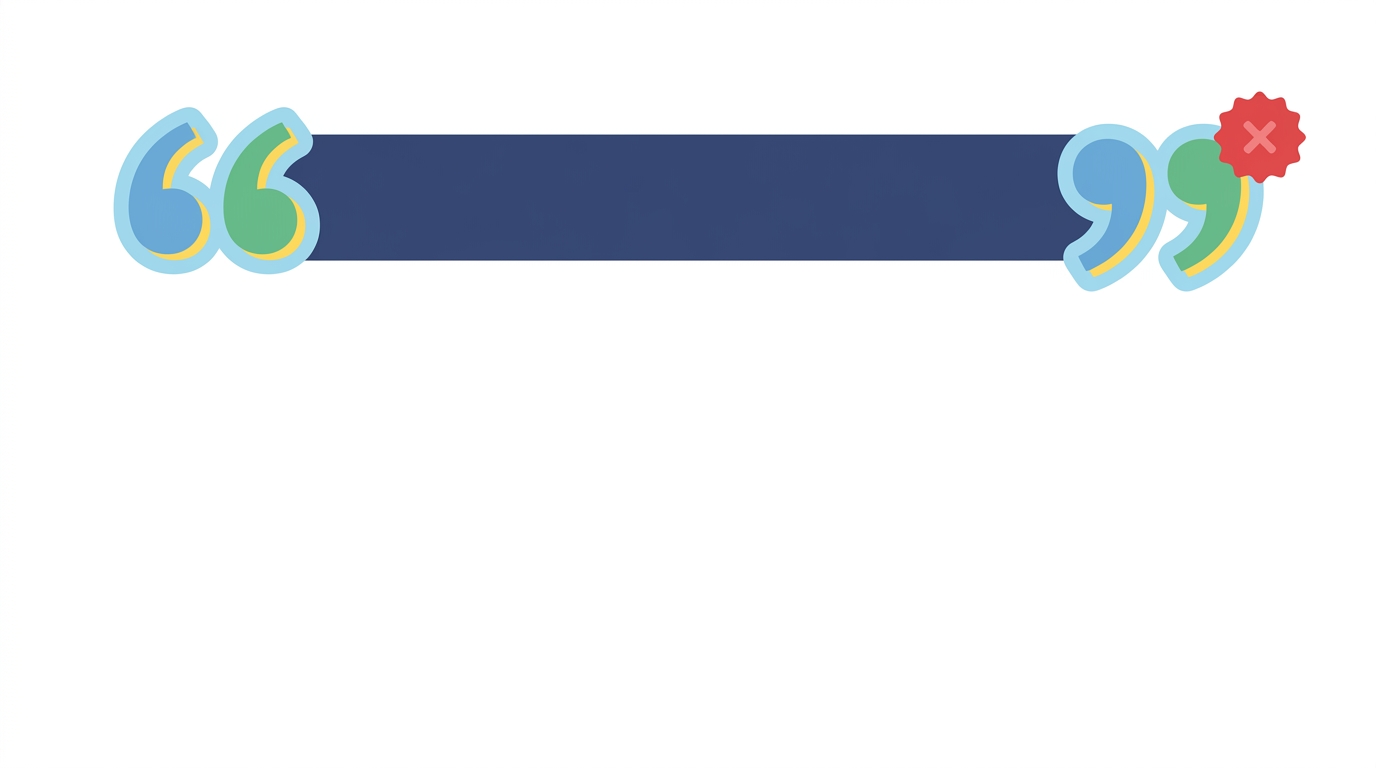
The checklist was right this time.
But the title now sits inside a pair of curly quotes, and the magnifier ended up awkwardly behind the book.
Fix: give text without quotation marks, and add one line at the end:
"Draw the text exactly as given, with no quotation marks and no added words."
Rejected #3: "keep everything else the same" wasn't enough
I liked the design of #1, so I asked to change only the checklist items.
I attached the original as a reference and said "keep everything else the same."
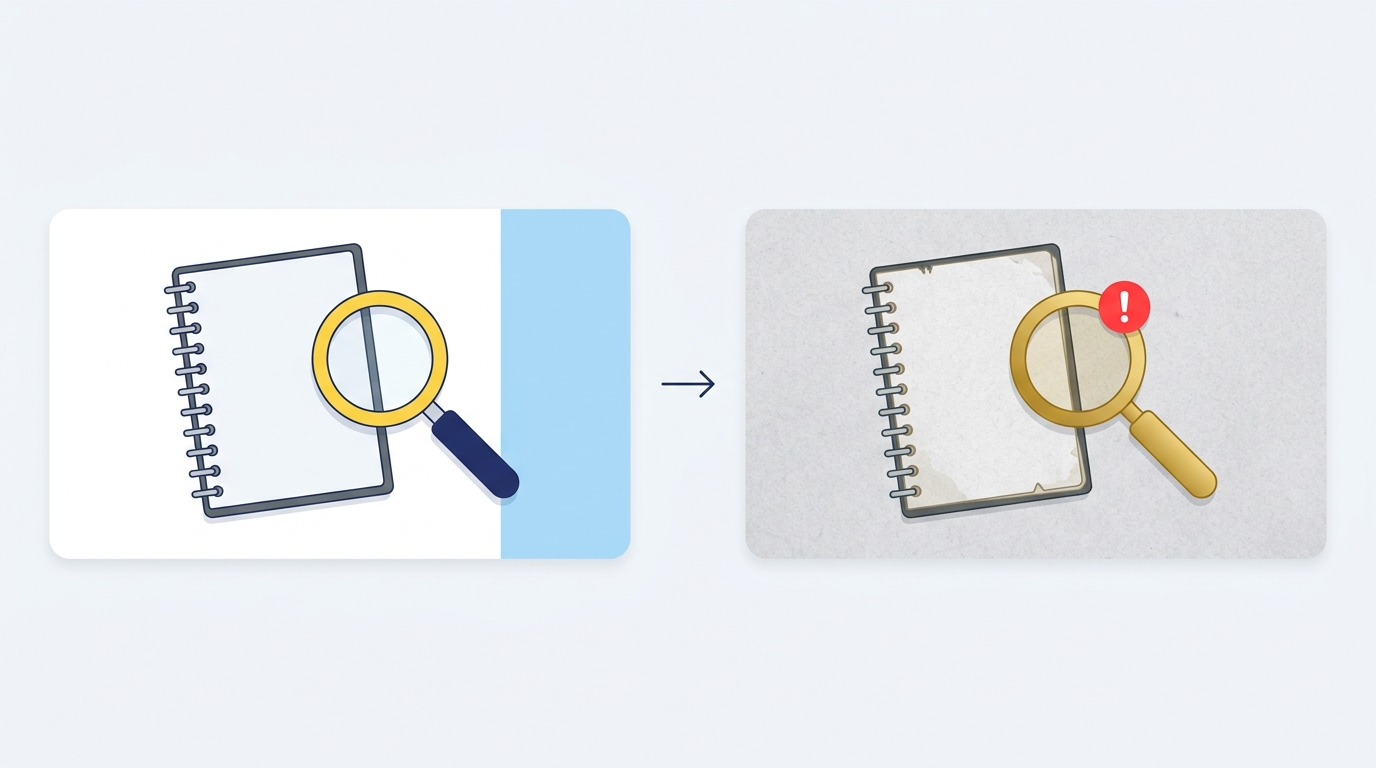
The checklist was finally correct.
But the white background turned into gray paper texture.
The blue panel on the right disappeared, and the magnifier turned gold with a light-blue handle.
Fix: list what must stay, item by item.
On the retry I wrote: white background, the sky-blue panel on the right, a magnifier with a yellow ring and a navy handle, flat style.
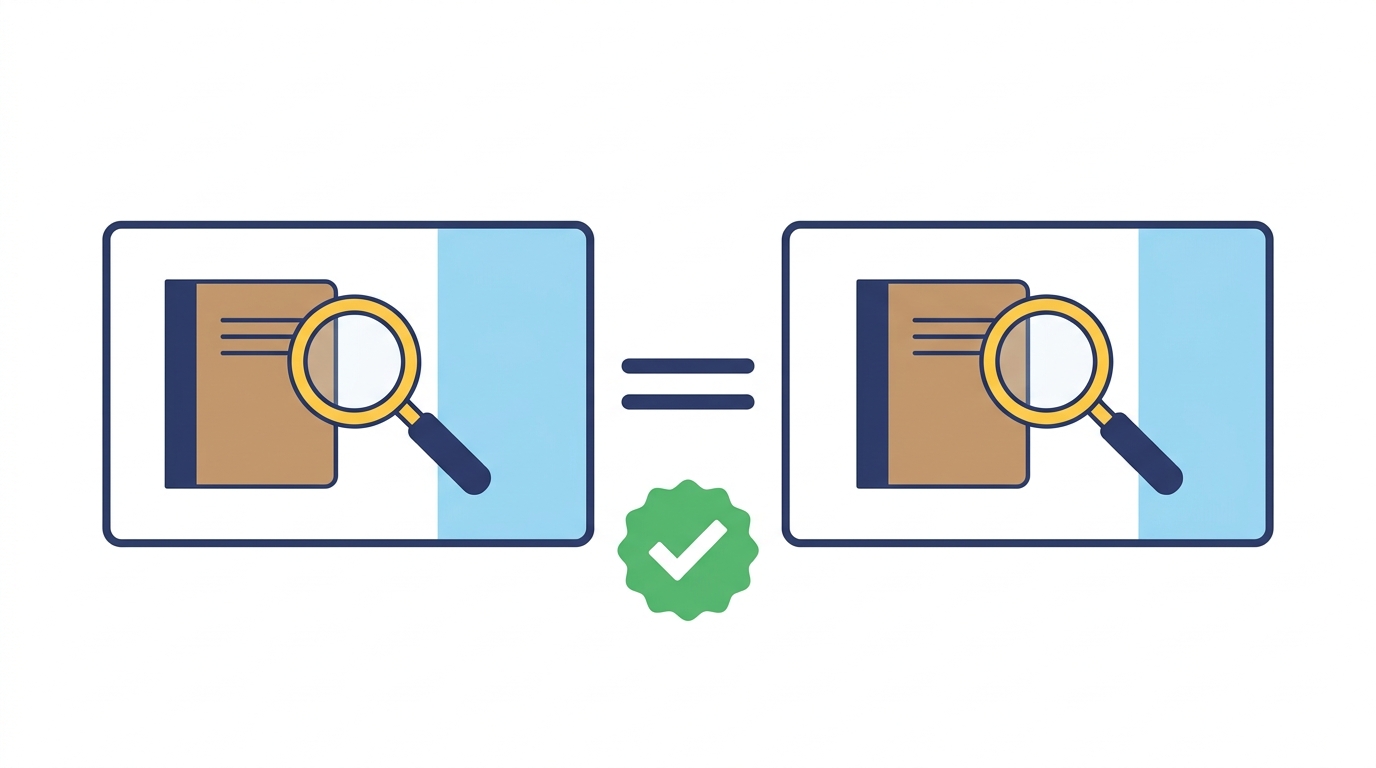
That version passed review and became my very first thumbnail.
Rejected #4: one extra period
This one came later, made with a different image tool.
The headline was supposed to read "The One Switch We Kept."
The image added a period at the end.
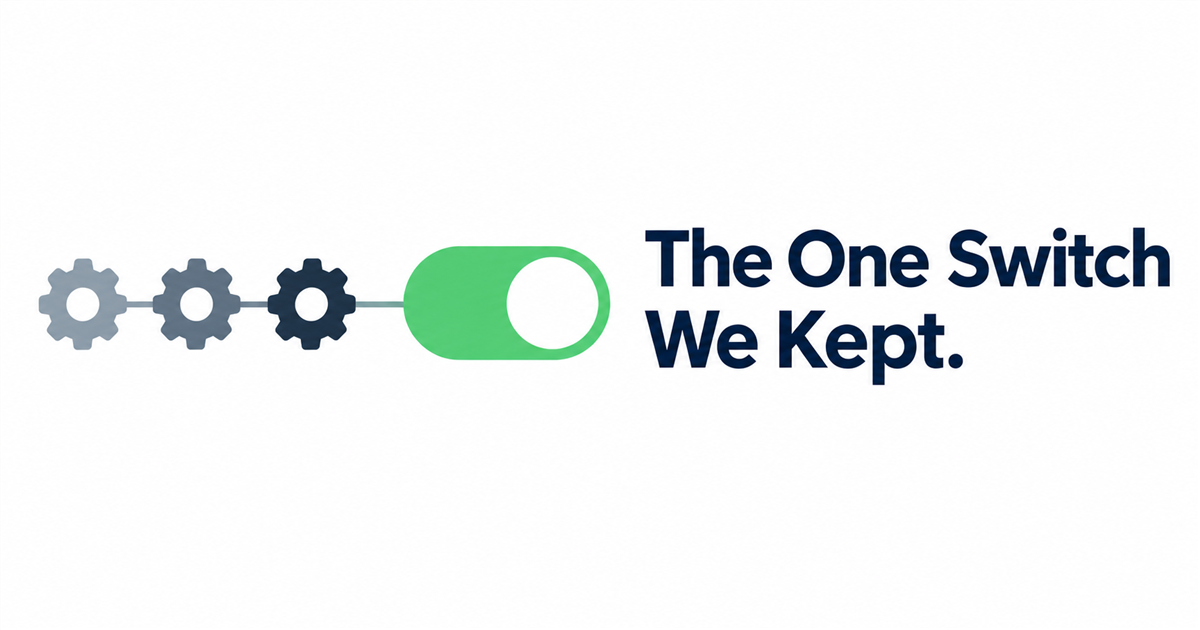
A period sounds trivial.
But it was text I didn't ask for, and my rule is that review fails on any text I didn't ask for.
Fix: say "no punctuation of any kind," not just "no quotation marks."
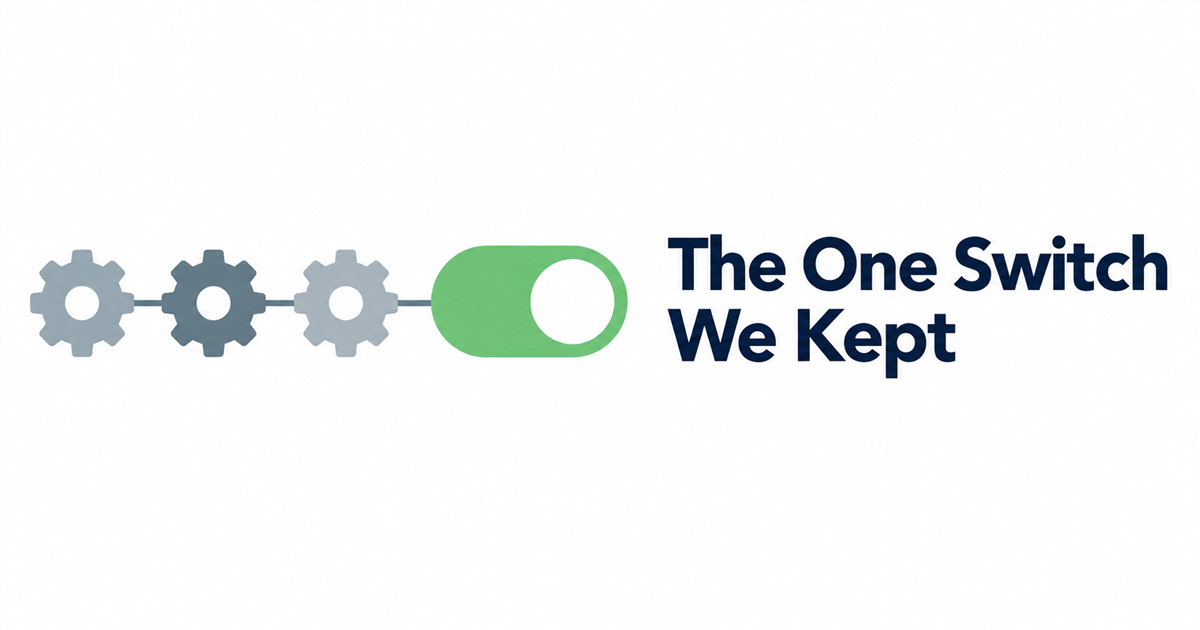
The retry came back clean.
Photo: Sanket Mishra on Pexels
The prompt template I use now
Every thumbnail prompt now ends with the same pieces:
- the exact words, line by line, with no quotes
- what must stay the same, listed item by item, when editing an existing image
- "no people, no logos" unless I want them
- "Draw only this text exactly as given, with no punctuation and no added words"
If you're wondering which tool I use for which kind of image, I covered that in Which AI to Use for What.
And why every image gets checked before anything goes live is in AI Agent Approval.
Wrapping up
Four rejections, four small prompt changes.
None of them needed a better model, just more exact instructions.
The common thread: the model fills any gap you leave, so leave fewer gaps.
What's the strangest thing an AI image tool has added to your pictures?
Let me know in the comments.
Thanks for reading to the end.

Comments
Post a Comment