Which AI to Use for What: A Task-by-Task Guide From a Week of Working With Claude, ChatGPT, and Gemini
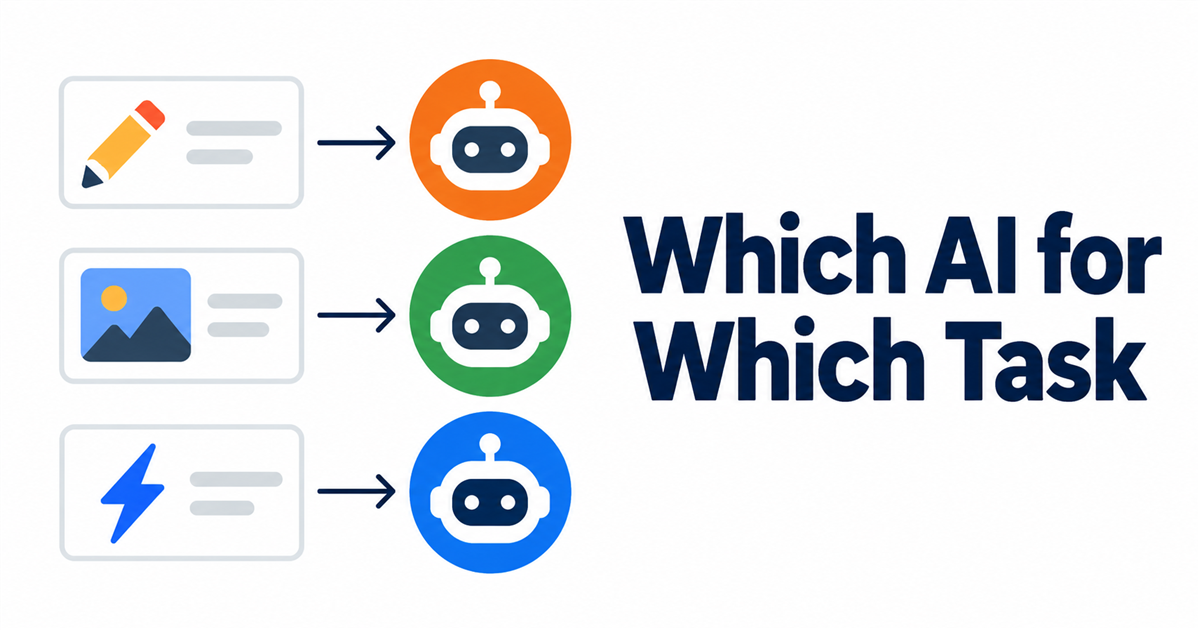
"Which AI should I use?" is the wrong first question. After a week of handing most of my project work to AI agents, the better question turned out to be: what's the task, and what does it need?
I pay for three ordinary consumer subscriptions, Claude, ChatGPT, and Google's AI plan, and I've ended up assigning work by task, not by brand. Here's the table I actually use, what each assignment is based on, and what I do when one tool runs out of room.
Measurements below come from my own accounts during September 26–30, 2026. Your plan, timing, and tasks may give different numbers.
Start from the task, not the tool
Every job in my workflow falls into one of a few types. For each type I ask three things: does it need long, careful multi-step work? Does the output need exact text? Is speed or cost the constraint?
| Task | My pick | Why |
|---|---|---|
| Research, drafting, reviewing, record-keeping | Claude (Claude Code) | Follows a long rulebook across many steps; does the bulk of my work |
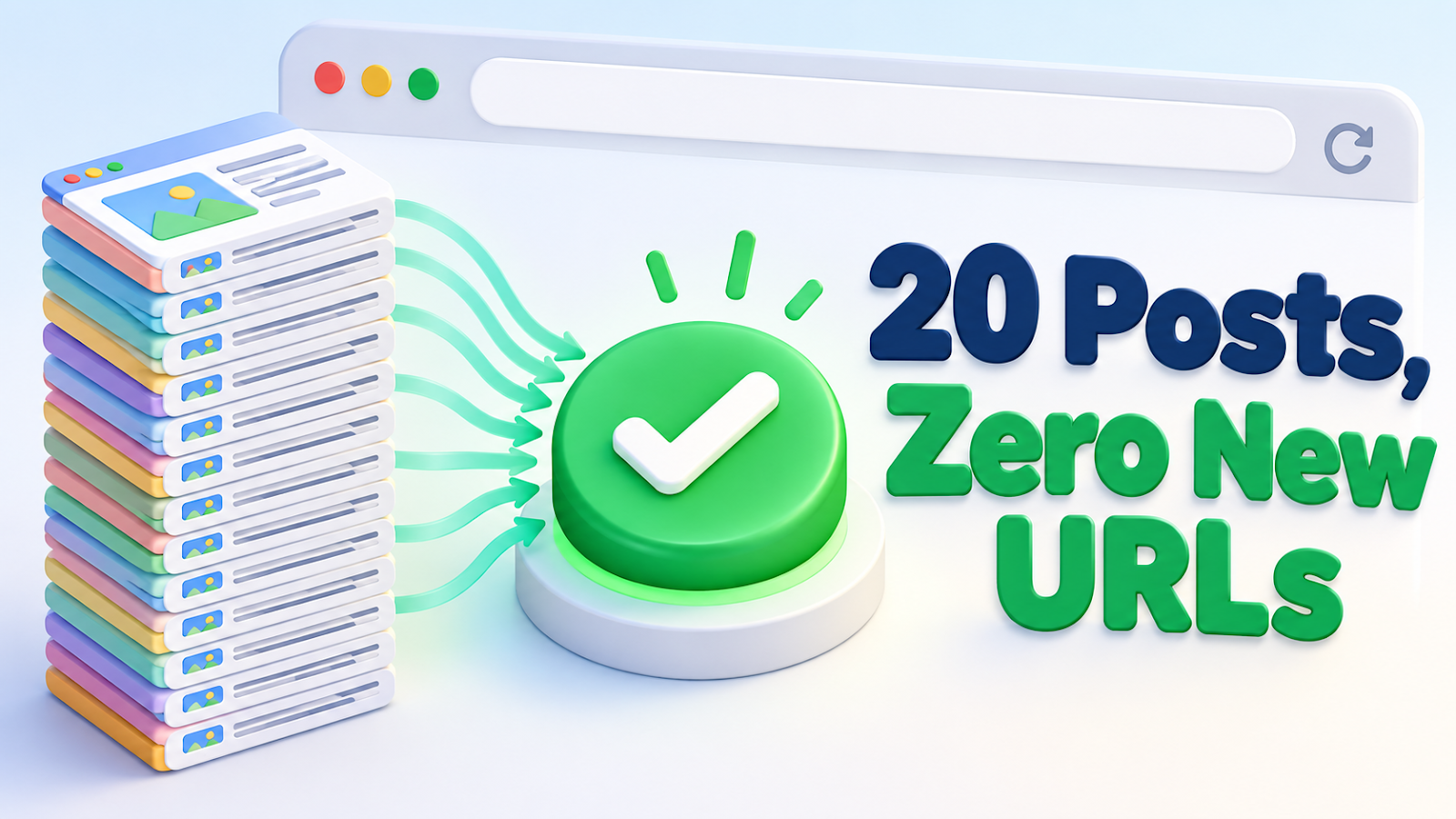
| Final images where the text must be exact | ChatGPT (Codex's image generation) | Got my thumbnail headlines right on the first try, including non-English text |
| Fast image drafts, small edits to an existing image | Gemini (via Google Antigravity) | About 25 seconds per image; can take an existing image and change one detail |
| Everything, when the main agent is busy or unavailable | Whichever agent can read the project files | See "Switching the agent entirely" below |
Photo: Matheus Bertelli on Pexels
Research and writing
Most of my work is text: keyword research, drafts, fact-checking, and keeping a log of what happened. I run that on Claude, with a separate review pass that checks every factual claim against my records. In four of my first five publishing rounds, that review caught at least one sentence my records didn't support, which is why I treat review as its own task, not a final skim.
Images with exact text
Blog thumbnails have headlines, and a misspelled headline is worse than no image. For final thumbnails I use the image generation built into OpenAI's Codex. On my account, one image has taken anywhere from about one to seven minutes (62, 129, and 439 seconds in three runs), and one image moved the 5-hour usage meter from 100% to 99% (a single measurement). OpenAI says image generation uses limits 3–5 times faster on average than normal tasks (OpenAI docs, checked 2026-09-26), so I keep it for the final version only.
Fast drafts and small edits
When I just want to see a direction, I use Gemini through Google's Antigravity tool: about 25 seconds per image. It can also take an image I like and change one detail, as long as I spell out everything that must stay the same. Left unspecified, it fills gaps on its own; once, it invented the labels on a checklist in my thumbnail.
When you hit a usage limit
All three subscriptions have usage limits, and they work differently:
- Claude's Pro and Max limits are shared between Claude chat and Claude Code (Claude Help, checked 2026-09-27).
- Codex limits are shared across the Codex app, CLI, and other places you use it (OpenAI Help, checked 2026-09-26).
- Google's AI Pro quota in Antigravity refreshes every five hours, up to a weekly limit (Antigravity plans, checked 2026-09-30).
On day one, my Codex account was already at its limit when image work started, because that limit is shared with other Codex use. Gemini runs on a separate subscription with its own limit. That is the reason to assign a second tool to similar work before you need it.
Photo: Solen Feyissa on Pexels
Switching the agent entirely
My fourth blog post wasn't made by Claude at all. I handed the whole task (research, drafts, review, and publishing) to Codex, and it picked up where Claude had left off. That worked because my procedures, decisions, failure log, and task history live in ordinary files in one project folder, not inside any one AI's memory.
That's the real answer to "which AI?": pick per task, and keep your process outside the tools so you can change your mind.
The one-page version
| If your task is… | Start with… |
|---|---|
| Long writing or research with rules to follow | A strong writing/agent tool (for me, Claude) |
| An image whose text must be exact | The image tool that spells best in your language (for me, ChatGPT) |
| Many quick visual drafts | The fastest image tool you have (for me, Gemini) |
| A tool is at its limit | A second tool you've already assigned to similar work |
| You might switch tools later | Plain files for procedures and history |

Comments
Post a Comment