Launch Your AI-Built App With One Desktop Icon on Windows
Hi there.
Did you build a small app with an AI coding tool and now have to type a command in a black window every time you start it?
I'm not a developer, and that was the part I liked least.
So I set it up so that double-clicking one desktop icon starts the app and opens the browser.
Here is how to launch an AI-built app with one desktop icon on Windows.
All you need is one small file
The key is a small file called start.vbs.
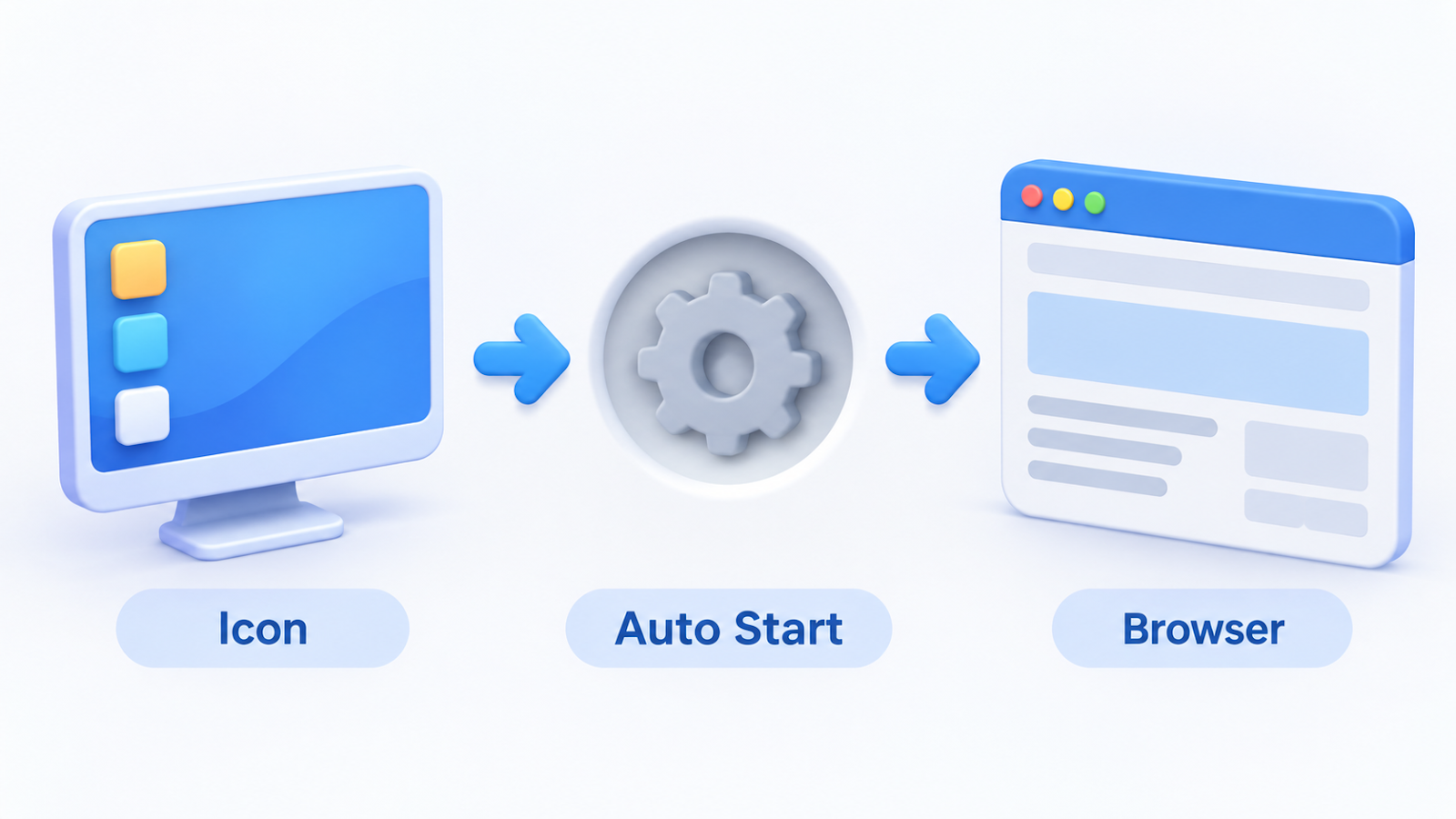
It does three things:
- It checks whether the app is already running.
- If not, it starts the app quietly, with no black window.
- When the app is ready, it opens
http://127.0.0.1:4747/in your browser.
My app is a work dashboard that opens only on my own computer.
That is why the address starts with 127.0.0.1, which means "this computer".
How I made it
I did not write the file myself. I asked Claude Code for it.
My request was one sentence: "Make it so a double-click starts the app and opens the browser."
Then I opened the finished file and read what it does before trusting it.
Putting the icon on the desktop uses plain Windows features:
- Find
start.vbsin File Explorer. - Right-click the file.
- Choose Send to, then Desktop (create shortcut).
- Double-click the new icon on your desktop.
Photo: Matheus Bertelli on Pexels
What success looks like
A few seconds after the double-click, your browser opens and the dashboard appears.
If the app is already running, a second click does not start another copy. It just opens the page.
No black window appearing is also a good sign.
If it does not work
- If the app cannot start, the file shows a message box saying so. Take a screenshot of that box and show it to Claude Code.
- This setup needs Node.js installed. You can ask Claude Code to check that for you.
- If you move the file, the shortcut breaks. Create the shortcut again after moving it.
The takeaway
Once starting the app takes one click, using it no longer needs a terminal.
Building the "start" step was what turned my project into an everyday tool.
How do you start the tools you built?
Tell me in the comments.
Related post:
Thanks for reading.

Comments
Post a Comment