Text in AI Images: Which Tool I Use, and How I Check the Spelling
Hi there.
When AI makes a picture, the text inside it is often garbled or misspelled.
I'm not a developer, and I make every blog thumbnail with AI.
This post is not a fair head-to-head test of tools. It is a record of how I split images with text from images without text, and how I check them.
It is for anyone who wants accurate text in AI images.
First, a disclaimer
I did not test ChatGPT, Gemini and Claude on text accuracy under the same conditions.
So I do not claim that one is more accurate than another.
What follows is how I actually work.
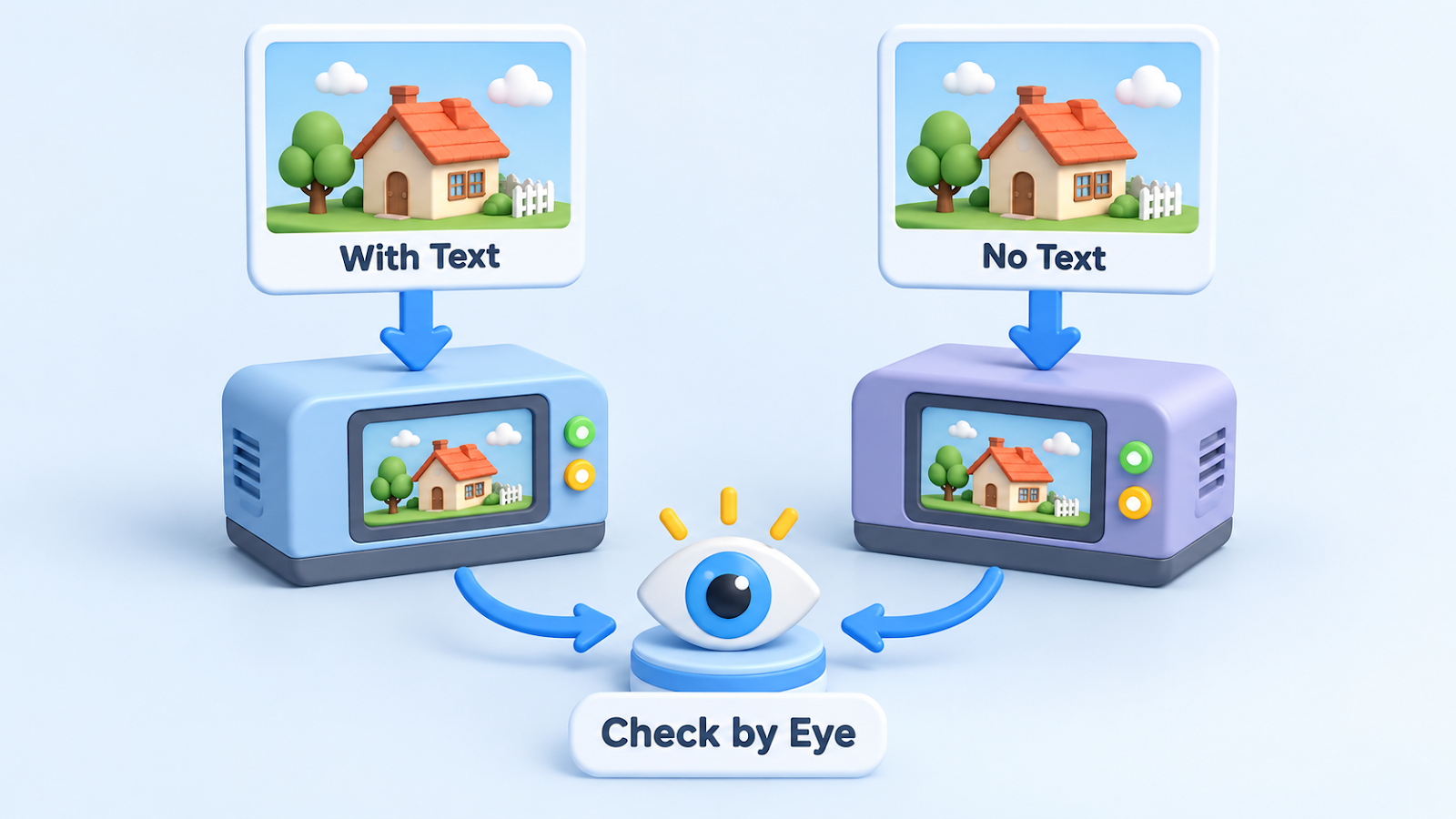
How I split the work
- Thumbnails and explainer images that contain text: made with ChatGPT through Codex.
- Scene images with no text: made with Google's image tools.
- Real photos: taken from a free stock site that allows commercial use, with the photographer credited under each photo.
I keep text images in one place because that is where text mistakes pile up and need fixing.
Photo: Matheus Bertelli on Pexels
How I get the text right
- I write the exact wording in the prompt and say "exactly this text".
- I keep the text short. Three small labels work better than a sentence.
- I add "no other text".
- I tell it to avoid logos and real brands.
I check by eye
I never stop at "a file was created". I open the image and read every letter.
If even one letter is off, I have it regenerated.
I came to feel this check matters more than the choice of tool.
What success looks like
The text in the image matches what I wrote, letter for letter.
If it does not work
- If the text keeps coming out wrong, shorten it, or put the words in the article and leave them out of the picture.
- Tools, screens and limits change often. Check the official pages of the tool you use.
The takeaway
Choosing a tool matters, but reading the text letter by letter decided the result.
How do you handle text in AI images?
Tell me in the comments.
Related post:
Thanks for reading.

Comments
Post a Comment