Codex Image Generation Not Working? A Fix That Worked
Hi there.
If you search for "codex image generation not working", this might be a different cause than the ones you have read about.
I'm not a developer, and I run Codex from the command line to make blog images.
One day six image requests in a row produced no images at all.
Here is what was actually happening and the small fix.
What I saw
I asked for six images, one after another.
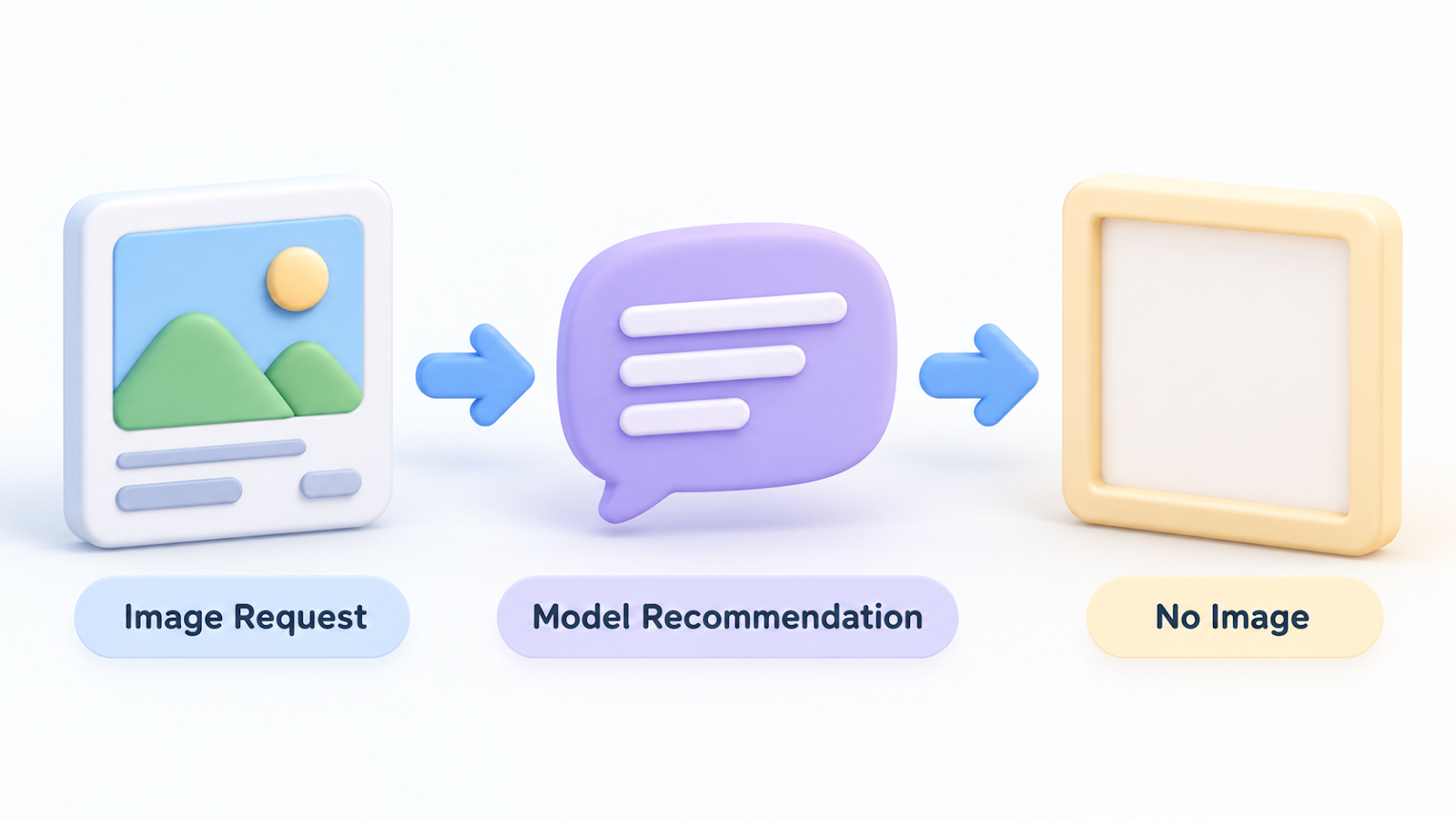
Each run ended in under half a minute with the same message: no image was created.
Nothing in that message explained why.
Photo: Shantanu Kumar on Pexels
How I found the cause
I stopped looping and ran one request by hand.
Then I read what Codex had actually said back.
It had not tried to draw anything.
Instead, it replied with a short note that recommended an environment and a model, and asked me to reply with a go-ahead word before it would start.
It was asking for permission, and my script treated the lack of an image file as a plain failure.
Why Codex asked
The reply matched an approval rule I had written for my AI tools.
The rule says every new task must stop and ask me to approve the model and environment first.
I wrote it to avoid accidentally using an expensive model.
So Codex waited for an approval that no script could give.

Photo: Solen Feyissa on Pexels
The fix
I put the go-ahead word at the very start of every image request, and recorded a standing approval for that word on Codex calls.
After that, the same requests produced pictures.
Each one took roughly one to two minutes, and all six came out with the text spelled correctly.

This standing approval covers only that one gate.
Payments, publishing and account changes still need my separate approval.
If you hit the same wall
- Run one request by hand, and read the full reply instead of only the exit result.
- Look for approval or confirmation rules in your global instructions that a project tool may inherit.
- Make a script treat "no output file" as a question to investigate, not only a failure.
For usage: in my earlier measurement, one image cost about 1% of the 5-hour allowance on my plan. Your numbers may differ.
Wrap-up
- The "failure" was a polite question from the tool, not a broken tool.
- A rule written for one assistant can quietly reach another tool.
- Reading the actual reply found in a minute what looping had hidden.
Have you ever had a rule of your own block a tool?
Tell me what you did in the comments.
Related post:
Thanks for reading.


Comments
Post a Comment