Subscription-Only AI Workflow: How I Split Work to Avoid Usage Limits
Hi there.
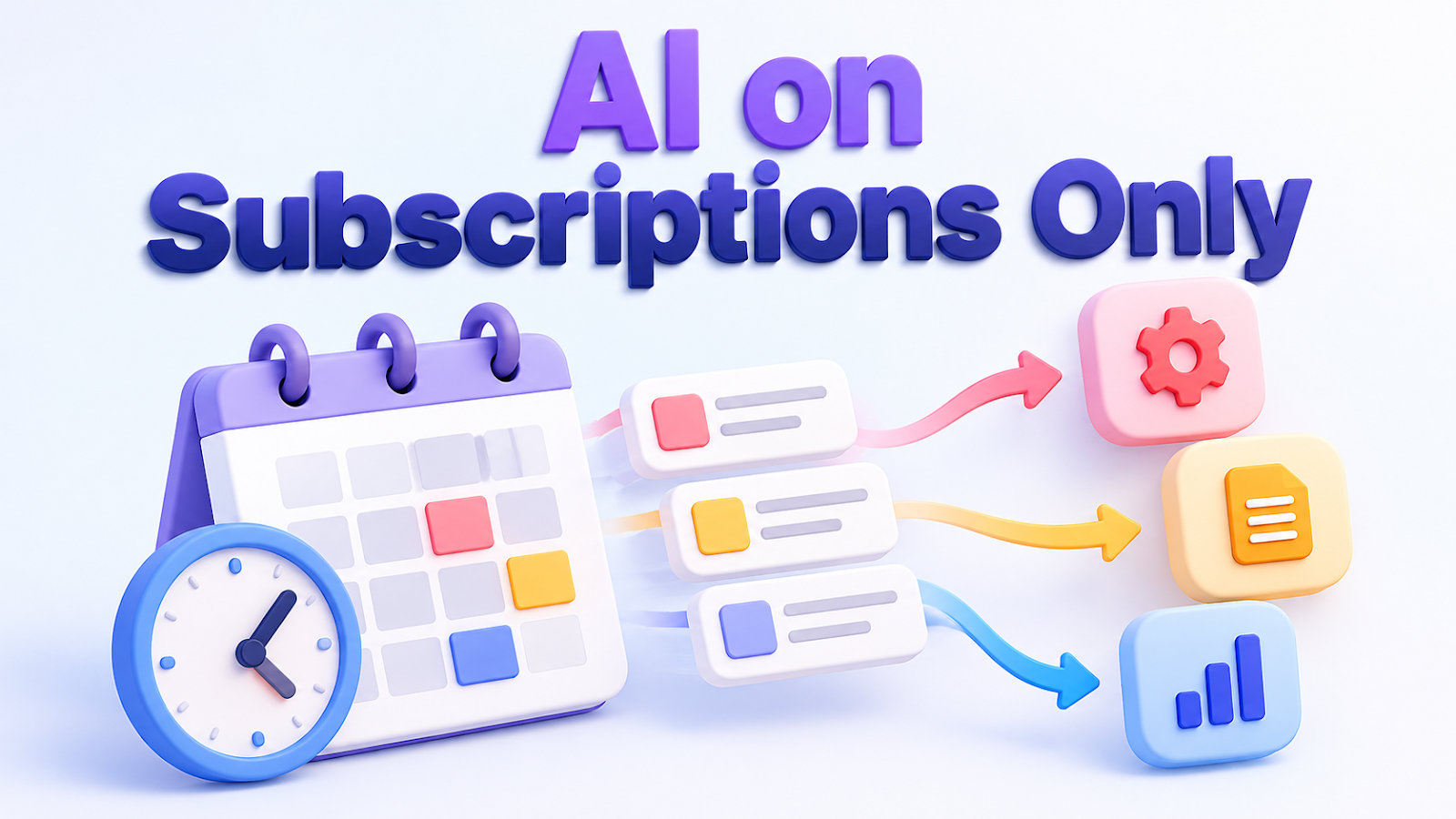
If you run AI on subscriptions only, usage limits are the biggest worry.
I'm not a developer, and I run blog and video work on subscriptions without any paid API.
Here are the rules I use to split work so I hit limits less often.
This is for anyone who wants to automate with a subscription-only AI setup.
First, a disclaimer
My subscriptions are Claude Pro, ChatGPT Plus and Google AI Pro.
Plan limits change often, so I do not list numbers here.
Check each service's official page for current limits.
This post covers only how I divide the work.
Rule 1: Give AI only the work that needs AI
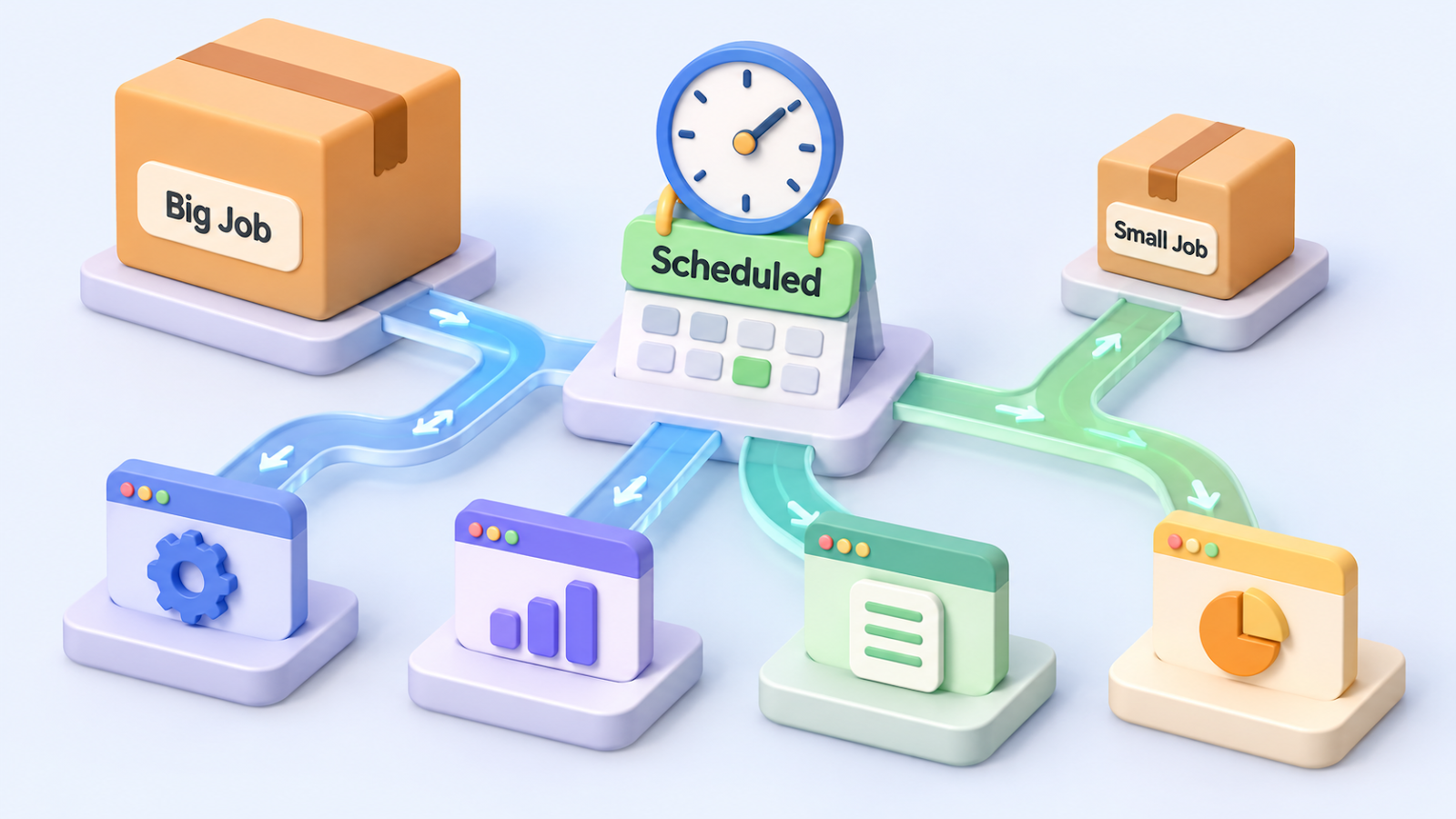
Posting to the blog at a set time is not done by AI.
Windows Task Scheduler starts a small program at the scheduled time, and that program does not call any AI.
AI writes the text and makes the images. Publishing on time runs without AI.
Photo: Markus Winkler on Pexels
Rule 2: Match the model to the job
Simple jobs get a light model, ordinary jobs a middle model, and only hard debugging or long design work gets the biggest one.
Before each new job I pick the model first, and if a big model is needed, I approve it.
Rule 3: Merge the meetings
Running every staff role as its own session uses limits fast.
By default one session plays each role in turn, which I call a light meeting.
Separate sessions are only for complex jobs or truly independent work.
Rule 4: Split work by what each tool does best
Images with text go to ChatGPT, and images without text go to Google.
That way no single service's limit takes all the load, and quality improves too.
Rule 5: Log every time you hit a limit
I record when I hit a limit and what I was doing.
If it repeats in the same week, that record is my evidence for considering a bigger plan.
I try not to decide by feel.
What success looks like
When a limit message appears, you can find in your log which job used the most.
If it does not work
- If limits still hit often after these rules, the plan may simply not fit your workload. Compare plans using your log.
- I do not use unofficial tools to pull subscription logins, because it risks account suspension. I use official apps and official command-line tools only.
The takeaway
The biggest saving came from moving work that does not need AI out of AI.
If you run on subscriptions, how do you manage limits?
Tell me in the comments.
Related post:
Thanks for reading.

Comments
Post a Comment