Blogger Post Not on Google? How to Request Indexing in Search Console
Hi there.
Did you publish a post on a new blog and find that Google does not show it yet?
I worried about the same thing with my new blogs.
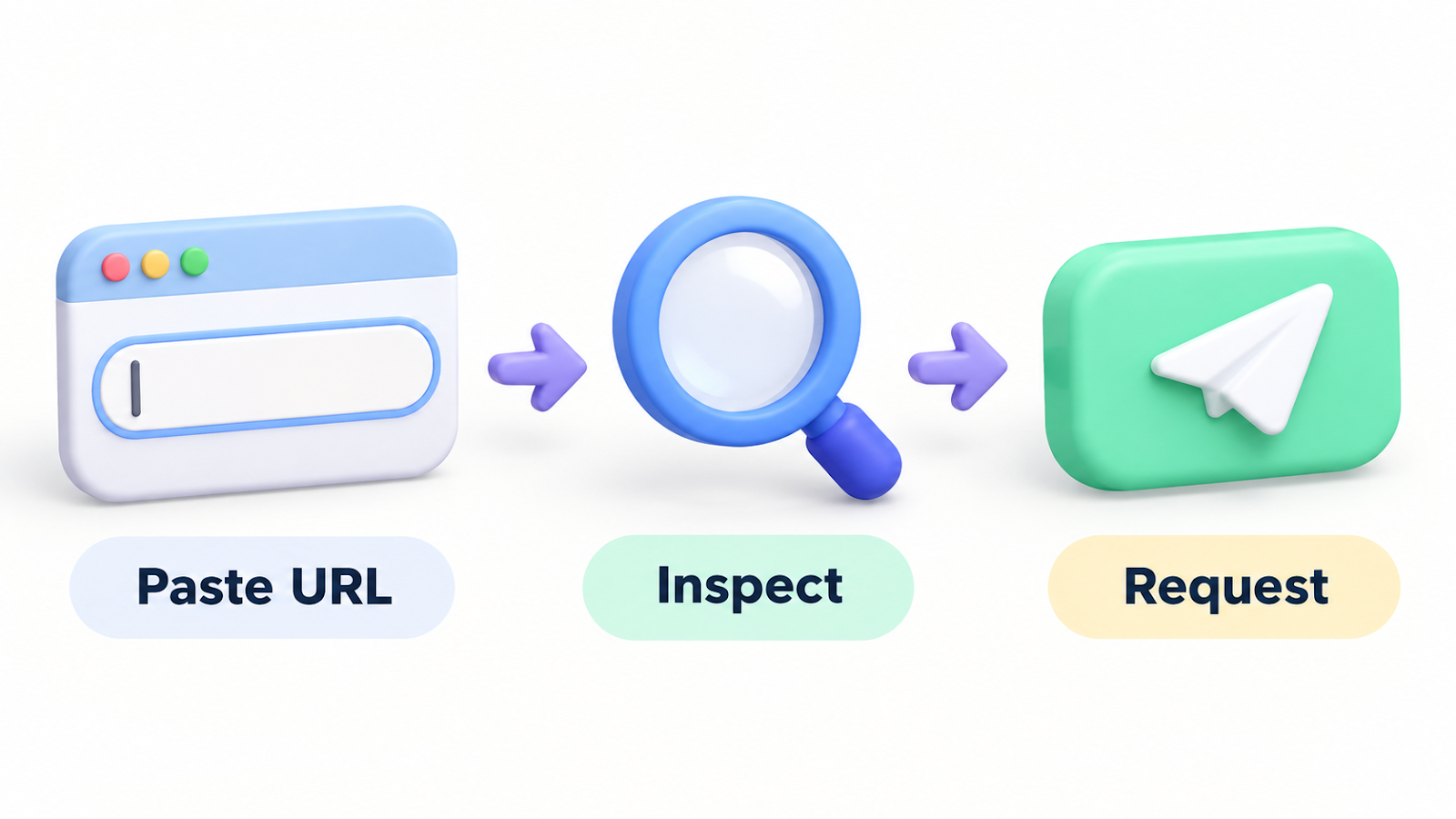
I'm not a developer, but I follow a short routine in Google Search Console: inspect the post's address, then request indexing.
Here is how to request indexing for a Blogger post in Search Console.
What to know first
Indexing means Google adds your page to its search results.
Requesting it does not guarantee a ranking or a date when the post will appear.
I have no data that lets me promise a timeline.
But telling Google about your post's address is the one reliable first step you can take yourself.
Before you start: your site must be in Search Console
I registered my whole domain as a Domain property, verified ownership, and submitted the sitemap.
If you have not, add the property in Search Console first and finish the ownership check.

Photo: Markus Winkler on Pexels
The steps
- Sign in to Google Search Console with the account that owns the property.
- Paste the full address of the post into the search bar at the top and press Enter.
- The URL Inspection result appears. If it says the URL is on Google, it is already indexed.
- If it says the URL is not on Google, click Request indexing.
- Wait for the test to finish. Do not repeat the request on the same address.
What success looks like
You see a message that the request was submitted.
That means "Google has been told", not "the post is indexed".
Later, inspect the same address again and see whether the status changed.
If it does not work
- If it says ownership is not verified, go back and check the property setup.
- You may hit a request limit. Request new posts only, not many at once.
- Search Console screens change, so the labels here are from when I looked. If your screen differs, take a screenshot and compare.
The takeaway
An indexing request is not a ranking trick. It is a signal that tells Google your post exists.
After each new post, I inspect its address once.
How do you check whether a new post is indexed?
Tell me in the comments.
Related post:
Thanks for reading.

Comments
Post a Comment