Claude Skills (SKILL.md): Make Your Workflow Portable
Hi there.
If you search for Claude skills, you will find a lot about the SKILL.md file format.
I'm not a developer, and I use that format to keep my work procedures out of any single AI tool.
Here is how my setup looks, what I check, and what still only works in Claude Code.
Why I stopped writing procedures into chats
Early on, I explained each job to the AI again in every new chat.
It worked, but the explanation lived in one conversation and disappeared with it.
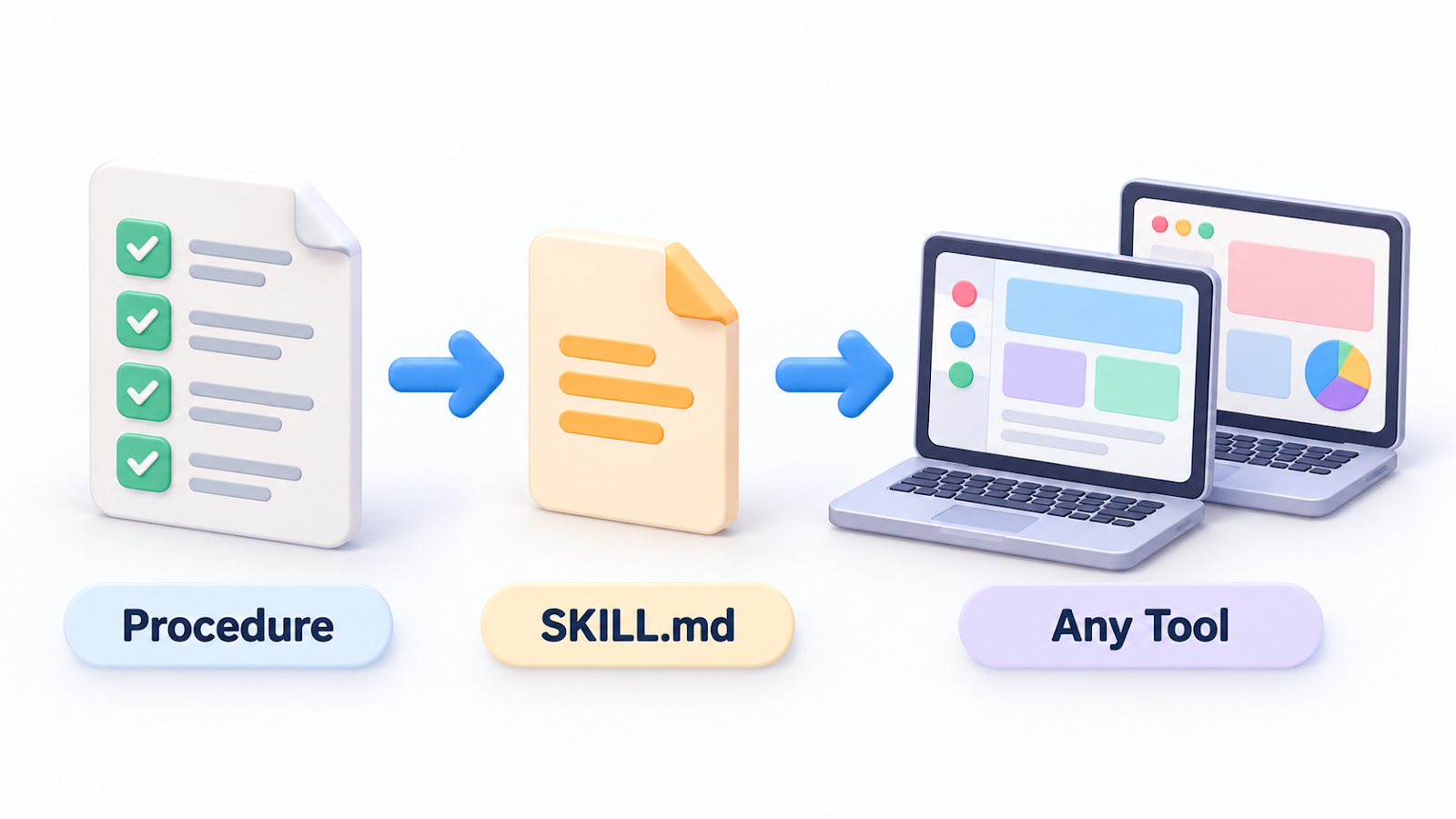
I wanted the steps stored in files I own, so I could hand the same steps to a different tool later.
Photo: Matheus Bertelli on Pexels
What a skill file looks like
A skill is one folder with one file named SKILL.md.
I follow the open skills format (agentskills.io/specification).
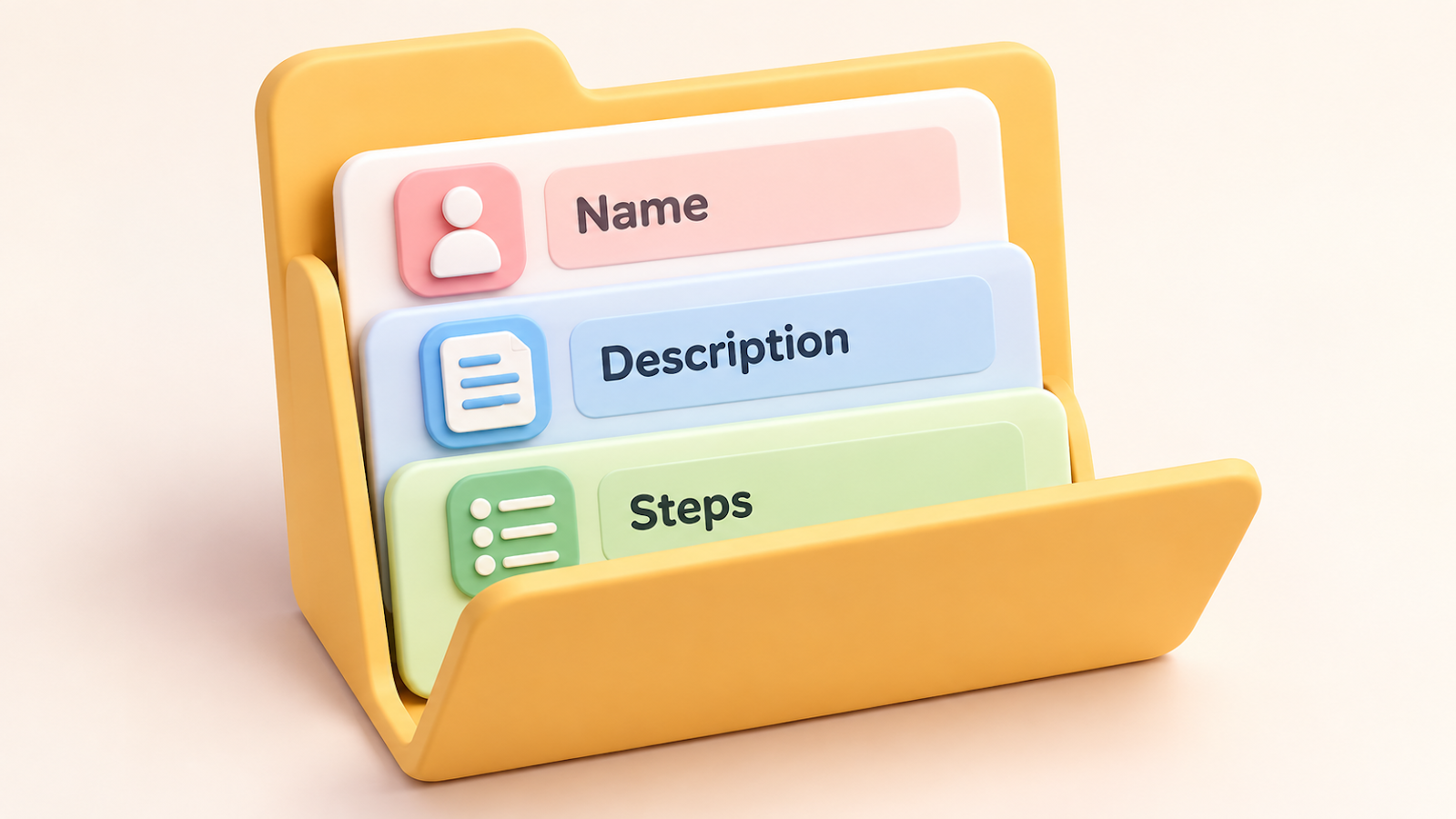
The top of the file holds a name and a description, and the body holds the steps.
A few rules I keep:
- The name uses lowercase letters, numbers and hyphens, and matches the folder name.
- The description says when the skill should be used, because that is what the assistant reads to decide.
- I add a version and an updated date, so I can see what changed and when.
- Most of my skills begin by pointing to one shared rules skill, so I don't repeat the same rules in each file.
I have 20 skills now, one per recurring job such as writing, reviewing, publishing and image prompts.
My checker script reports "20 skills, 0 errors, 0 warnings" after every change.
Photo: Matheus Bertelli on Pexels
The four rules that make it portable
- Procedures live in SKILL.md files, not in a tool's settings.
- Memory lives in plain Markdown and JSON files in the project folder.
- My small web app never calls an AI tool. It only reads and writes local files.
- Anything that works only in Claude Code goes on a written list.
That list matters most.
Right now it names things like the project instructions file that Claude Code reads automatically, helper agents, and the shortcut folder that lets Claude Code find the skills folder.
For each item, the list says what to do in another tool instead.
Using the same skills in Codex
I pointed Codex at the same project folder, with a short instructions file that sends it to the same rules.
That is the setup I describe in I Switched From Claude Code to Codex: The Project Files That Preserved Context.
The skills themselves are plain files, so the content moves from one tool to another.
Wrap-up
- Keep repeatable procedures in SKILL.md files you own.
- Write a clear description, add a version, and run a checker after each edit.
- List the Claude-only features so a move to another tool is a checklist, not a rescue.
Which job would you turn into a skill first?
Tell me in the comments, and I'll try writing about it.
Related post:
Thanks for reading.


Comments
Post a Comment