Claude Code Usage Running Out Fast? One New Chat Per Task
Hi there.
When you run a one-person business on a flat monthly AI subscription, the usage allowance is your real budget.
I'm not a developer, and I spent a month reading my own Claude Code usage records to see where that budget went.
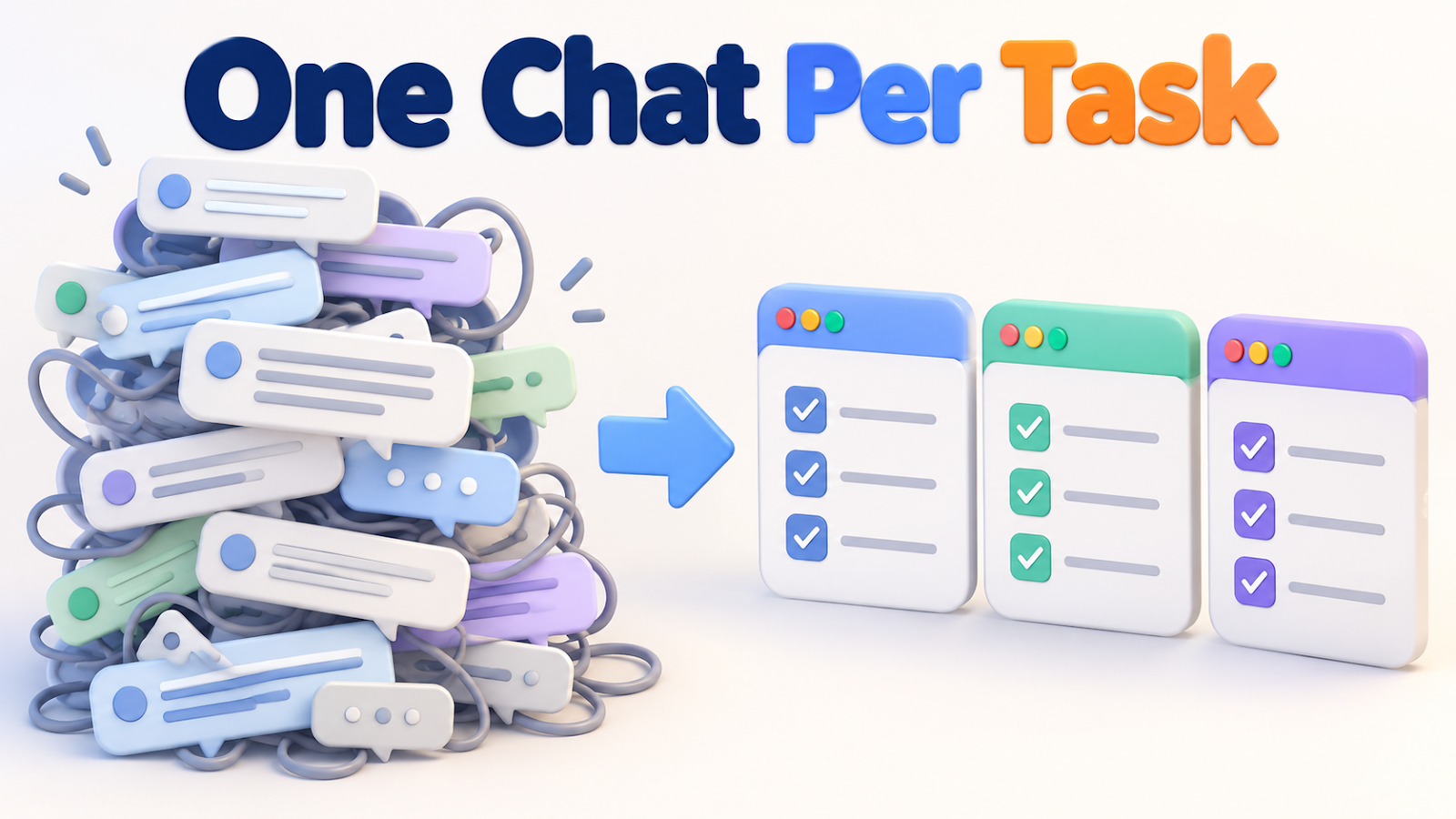
It went to one habit: keeping everything in a single, endless chat.
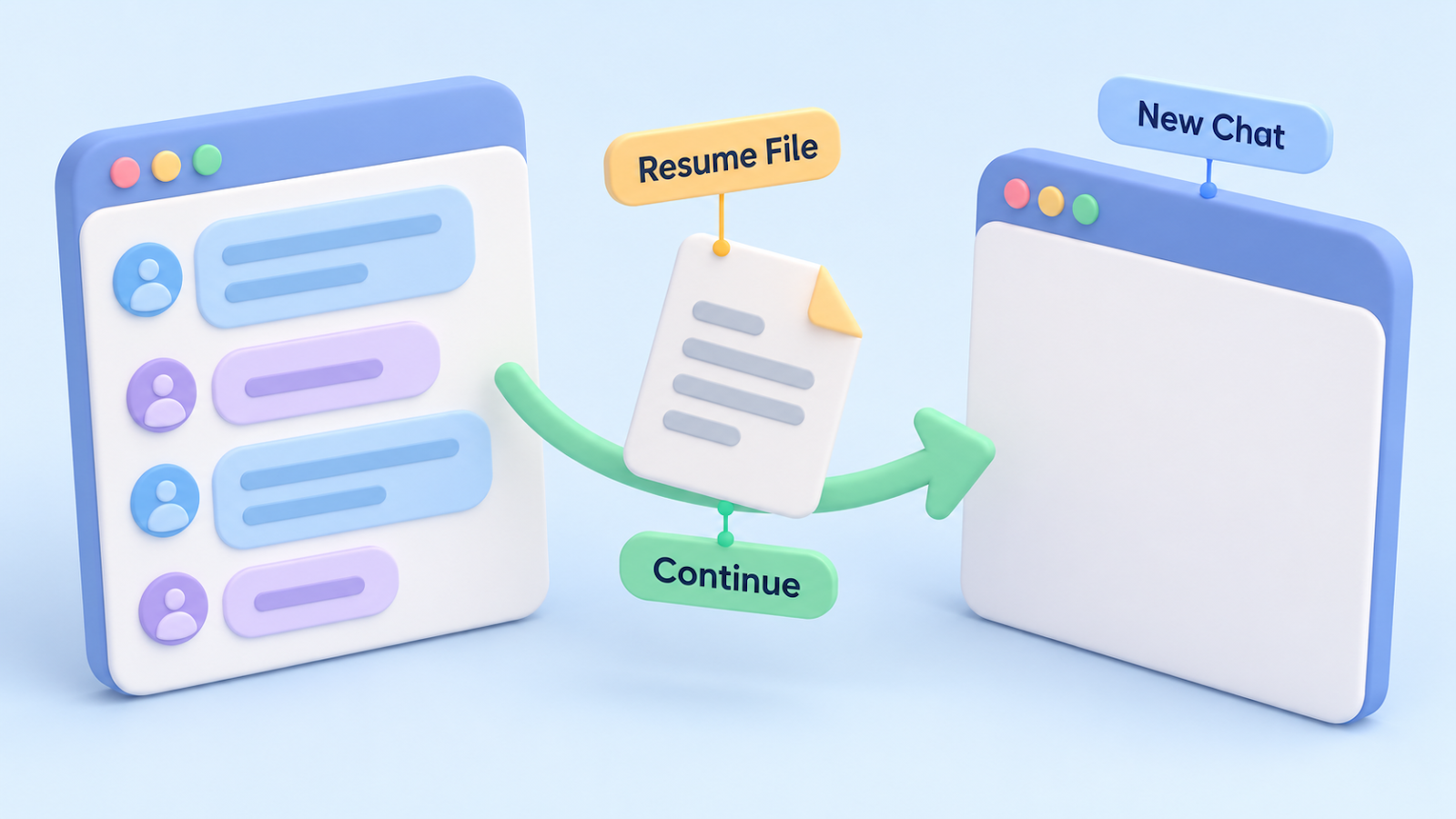
Here is the three-step routine I use now: New Chat, Resume File, Continue.
A flat-fee plan is a budget, not a buffet
A subscription feels unlimited until the day you hit the cap in the middle of client work.
So I stopped guessing and measured.
Everything below comes from my own usage records, covering September 26 to October 25, 2026.
These numbers describe my setup, so treat them as a pattern to look for in yours.
- 61 chats and 8,386 calls in total.
- Each call carried an average of 375K to 456K tokens of context.
- Nine chats with more than 300 calls each produced 62% of all cache reads.
- The ten biggest chats produced 67% of all new tokens.
Two terms are worth knowing.
Context is everything the chat is holding in its memory at that moment.
A cache read is the usage you pay each time the chat re-reads that memory before answering.

Photo: Markus Winkler on Pexels
The re-reading bill grows with every call
Think of a chat as a notebook that gets handed back to the assistant before every single answer.
A thin notebook is cheap to hand over.
A notebook stuffed with three unrelated projects is expensive, and you pay that price on call number 200 and again on call number 201.
My longest chat reached 895 calls.
I had kept adding unrelated jobs to it, from business setup to blog writing to video production.
The same records told me what was not the main cause.
My instruction files add a fixed load to every call.
They made up about 10% of the roughly 375K tokens read per call.
Trimming them would help a little, but chat length was the lever that mattered.
The routine: New Chat, Resume File, Continue
New Chat.
Whenever I switch to a different job, I open a fresh chat.
I put a short job label in the title, so a glance at my chat list tells me what each one is for.
Resume File.
A fresh chat remembers nothing about the old one, so I write the handoff into a single note before I leave.
I do this when the context reaches about 40 to 50%, not when the chat is already bloated.
Continue.
In the new chat, I point Claude Code at that one note.
It reads the note and starts at the next step.
I do not need to retype the history.

Photo: Matheus Bertelli on Pexels
What the Resume File contains
The note has six fields.
| Field | Why it earns its place |
|---|---|
| Job label | The new chat knows which job it is picking up. |
| Owner and approval status | Nobody redoes a decision that was already made. |
| Where the output files are | The new chat opens the right folder. |
| How far checking has gone | You do not repeat verification you already finished. |
| Problems still open | The unsolved part is stated up front. |
| The next command to run | The new chat starts working instead of reconstructing. |
If the next command is missing, the fresh chat has to rebuild the whole picture from scratch.
That wastes exactly the usage you were trying to save.
Two habits for the waiting time
Long jobs such as a video render or an upload invite a bad habit: checking the status again and again.
Each check is another call that re-reads the whole context.
So I wait for the done or error signal instead.
I also read each file once per chat.
Across all 61 chats, I re-read a file I had already opened in the same chat 93 times in total.
That count is small next to the long-chat effect, and it rose in the longer chats.
How to tell the routine is working:
- Every chat title tells you which job it belongs to.
- A fresh chat reads one note and begins at the next step.
- No single chat balloons into hundreds of calls.
One caution: the routine changes where the work lives, not who approves it.
The new chat checks the approval status in the Resume File and carries on from there, and review steps still happen.
The takeaway
If your allowance drains fast, shorten the chats first: New Chat for each job, a Resume File to carry the state, and Continue from the next step.
How long do you let one chat run before you start a new one?
Tell me in the comments.
Related posts:
- Subscription-Only AI Workflow: How I Split Work to Avoid Usage Limits
- Running Multiple Claude Code Sessions on One Project: What I Split, What I Shared, What Broke
Thanks for reading.



Comments
Post a Comment